Seedance 2.0
More stable with reference-driven generation, shot control, and continuity.

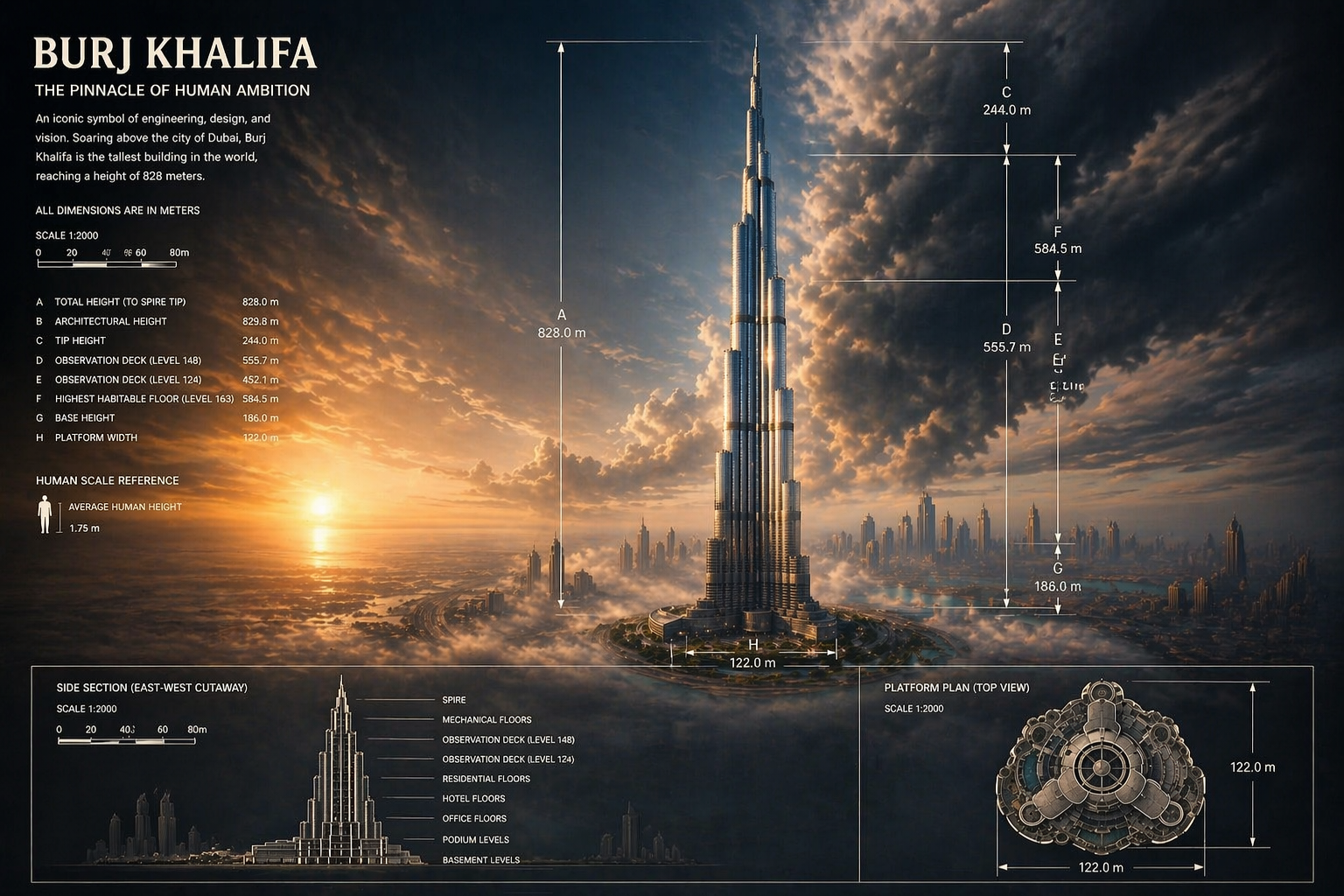
Generate images with Seedream models, supporting Text to Image and Image to Image.
Browse published Seedream images before you generate, then decide which style directions, compositions, and quality cues are worth carrying into your next prompt.
Transform any image, change style direction, and enhance visual quality without leaving the same workflow.
Create polished visuals from a simple prompt, then keep the strongest frames ready for the next step in production.
You do not need to keep changing tools. As new models arrive, you can stay inside the same workflow to test, generate, compare, and manage outputs.
Keep model context, example browsing, and image generation in one path instead of bouncing between separate pages.
The page lands on Seedream directly, so you do not need to switch from the general image page first.
Review published Seedream outputs before you settle on style direction or prompt strategy.
Review examples and guidance first, then continue into generation without leaving the same page.
Questions about fit, example value, and model-page workflow stay inside the same path.
It is simpler to compare which prompts, compositions, and tone choices lead to more reliable outputs.
After examples and copy do their job, users can decide on credits without detouring elsewhere.
It fits people who want a stronger first-pass image before they go into manual refinement, layout, or campaign adaptation.
I use Seedream when I already know the direction and want the result to look more finished, not just exploratory.

Independent Illustrator
For portfolio covers, it helps me get richer lighting and mood before I do final cleanup.

Solo Founder
It is great for poster-style work because the first strong frame already carries more visual weight.

Poster Designer
I use it to prepare client-facing mockups that need to look closer to final quality.

Freelance Retoucher
For store banners and seasonal promos, it gives me a cleaner visual starting point.

Marketplace Seller
When I need a premium-looking first draft, Seedream gets me there faster than rough ideation models.

Course Creator
I use Seedream when I already know the direction and want the result to look more finished, not just exploratory.
Independent Illustrator
For portfolio covers, it helps me get richer lighting and mood before I do final cleanup.
Solo Founder
It is great for poster-style work because the first strong frame already carries more visual weight.
Poster Designer
I use it to prepare client-facing mockups that need to look closer to final quality.
Freelance Retoucher
For store banners and seasonal promos, it gives me a cleaner visual starting point.
Marketplace Seller
When I need a premium-looking first draft, Seedream gets me there faster than rough ideation models.
Course Creator
I use Seedream when I already know the direction and want the result to look more finished, not just exploratory.
Independent Illustrator
It is great for poster-style work because the first strong frame already carries more visual weight.
Poster Designer
For store banners and seasonal promos, it gives me a cleaner visual starting point.
Marketplace Seller
I use Seedream when I already know the direction and want the result to look more finished, not just exploratory.
Independent Illustrator
It is great for poster-style work because the first strong frame already carries more visual weight.
Poster Designer
For store banners and seasonal promos, it gives me a cleaner visual starting point.
Marketplace Seller
For portfolio covers, it helps me get richer lighting and mood before I do final cleanup.
Solo Founder
I use it to prepare client-facing mockups that need to look closer to final quality.
Freelance Retoucher
When I need a premium-looking first draft, Seedream gets me there faster than rough ideation models.
Course Creator
For portfolio covers, it helps me get richer lighting and mood before I do final cleanup.
Solo Founder
I use it to prepare client-facing mockups that need to look closer to final quality.
Freelance Retoucher
When I need a premium-looking first draft, Seedream gets me there faster than rough ideation models.
Course Creator
I use Seedream when I already know the direction and want the result to look more finished, not just exploratory.
Independent Illustrator
I use it to prepare client-facing mockups that need to look closer to final quality.
Freelance Retoucher
I use Seedream when I already know the direction and want the result to look more finished, not just exploratory.
Independent Illustrator
I use it to prepare client-facing mockups that need to look closer to final quality.
Freelance Retoucher
For portfolio covers, it helps me get richer lighting and mood before I do final cleanup.
Solo Founder
For store banners and seasonal promos, it gives me a cleaner visual starting point.
Marketplace Seller
For portfolio covers, it helps me get richer lighting and mood before I do final cleanup.
Solo Founder
For store banners and seasonal promos, it gives me a cleaner visual starting point.
Marketplace Seller
It is great for poster-style work because the first strong frame already carries more visual weight.
Poster Designer
When I need a premium-looking first draft, Seedream gets me there faster than rough ideation models.
Course Creator
It is great for poster-style work because the first strong frame already carries more visual weight.
Poster Designer
When I need a premium-looking first draft, Seedream gets me there faster than rough ideation models.
Course Creator
These posts track where Seedream is landing, how creators describe consistency, and how the model is discussed in public tooling.
Hasan Toor
@hasantoxr
Hasan Toor highlighted Seedream 5.0 Lite adding up to 14 image references, stronger style matching, and better continuity for consistent visual worlds.
Angry Tom
@AngryTomtweets
Angry Tom summarized Seedream 5.0 Lite on Freepik as a reference-heavy workflow that keeps characters consistent across multiple images.
Arena.ai
@arena
Arena.ai tracked Seedream 5.0 Lite tying for a top-five spot in multi-image editing, adding a clear benchmark signal for image-editing quality.
Futurepedia
@futurepedia_io
Futurepedia described Seedream 5.0 Lite as an image model that understands structure, layout, and complex design intent instead of just raw prompting.
D-Coder
@Damn_coder
D-Coder shared that Seedream 5.0 Lite handled unusually short prompts better than expected, which is a useful real-world signal for fast ideation.
el.cine
@EHuanglu
el.cine amplified the day-zero Seedream 5.0 Lite rollout on Higgsfield, focusing on multi-image blending and consistent batch creation.
These questions focus on style fit, example value, and the workflow users meet most often on the model page.
Still have a question? Email support@ai-studio.video.
It is a better fit for brand visuals, campaign hero art, concept frames, and image tasks that need a stronger sense of finish.
This page stays focused on Seedream and keeps model-specific examples, positioning, FAQs, and pricing in one path.
Yes. This page keeps the main generation path available, so you can review examples and continue into generation in the same flow.
Explore is optional. If there is nothing to show, the rest of the marketing content, FAQs, and pricing still render normally.
Yes. The current model-page switching behavior stays in place, so you can still move to Nano Banana, GPT Image, or Z Image.
Subscribe to unlock all video and image models, plus more services.
Billed $169 USD / year
Includes
Billed $339 USD / year
Includes
Billed $856 USD / year
Includes
Stabilize style, materials, and overall tone first, then keep refining toward a more production-ready image result.