

Gemini Omni 1.1 Flash AI Video Generator
Create 720p videos with synchronized audio using Gemini Omni 1.1 Flash, with text-to-video, image-to-video, and reference-to-video from 4 to 10 seconds.
Published cases
video cases
Published video cases from the Explore gallery.
Make Cinematic Quality AI Videos and Images
Image to Video AI
Bring your photos to life with AI Video Studio. Turn static images into captivating animated videos in seconds for social clips, campaigns, and visual storytelling.
Original Image
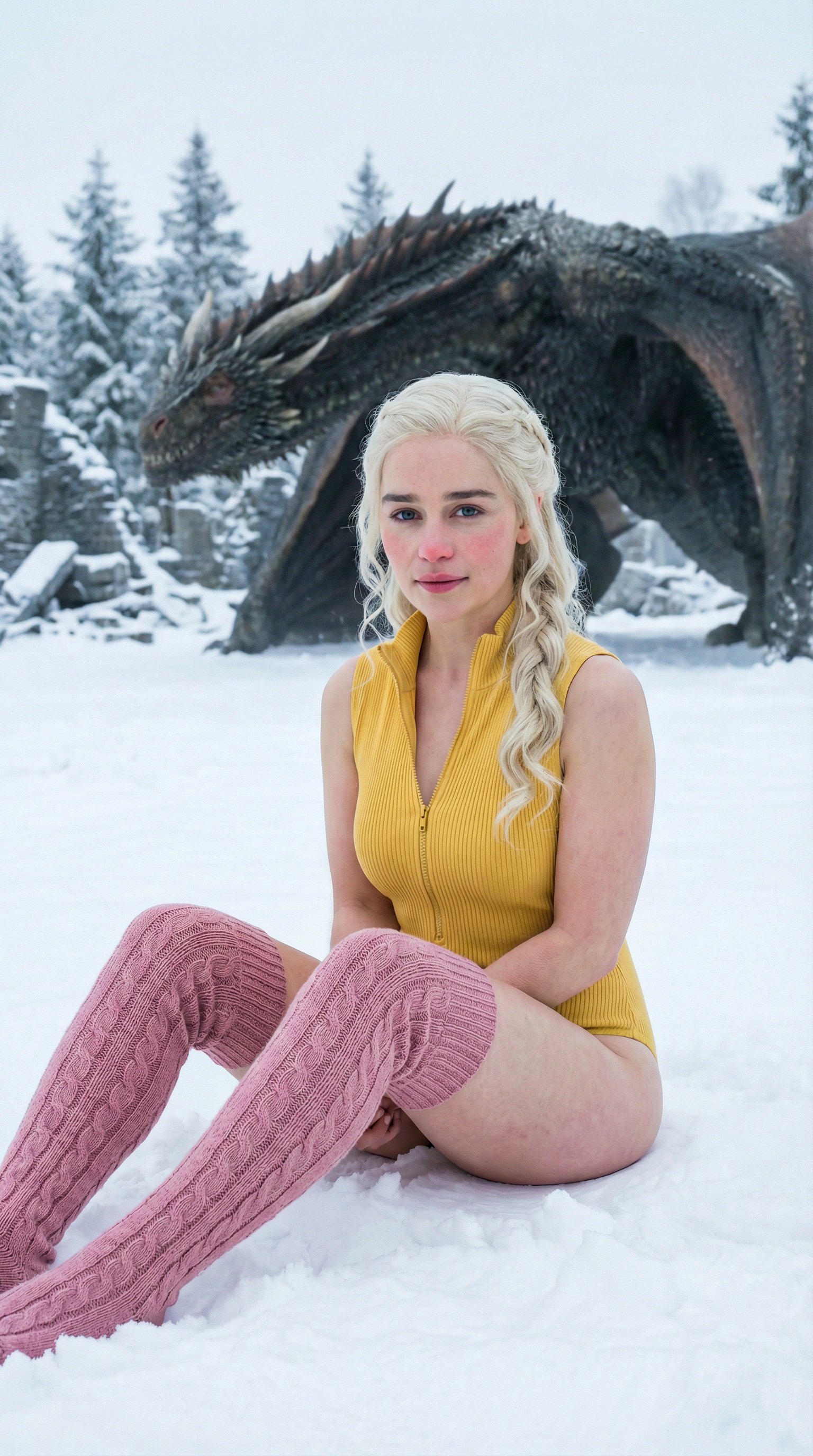
Prompt
ultra realistic high fashion photograph of Emilia Clarke sitting on fresh white snow outdoors in winter. Recognizable facial structure and likeness of Emilia Clarke: oval face shape, soft youthful features, expressive almond-shaped green eyes, naturally full lips, straight petite nose, balanced facial symmetry. Natural winter blush on cheeks and nose. Calm confident expression with a subtle closed-mouth smile, looking directly into the camera. She is seated on the snow with legs bent forward, slightly apart, hands placed behind her for support. Camera angle slightly above eye level, gently looking down. She wears a fitted ribbed sleeveless zip-up yellow bodysuit and pink cable-knit thigh-high socks. Elegant minimal winter fashion styling. Slim, petite, feminine body proportions. Fair-to-light skin tone with natural texture. Background is a snow-covered ground with a dragon partially visible. Natural overcast winter daylight, soft diffused lighting, no harsh shadows, cinematic realism, high skin detail, realistic color grading.
Video
Original Image
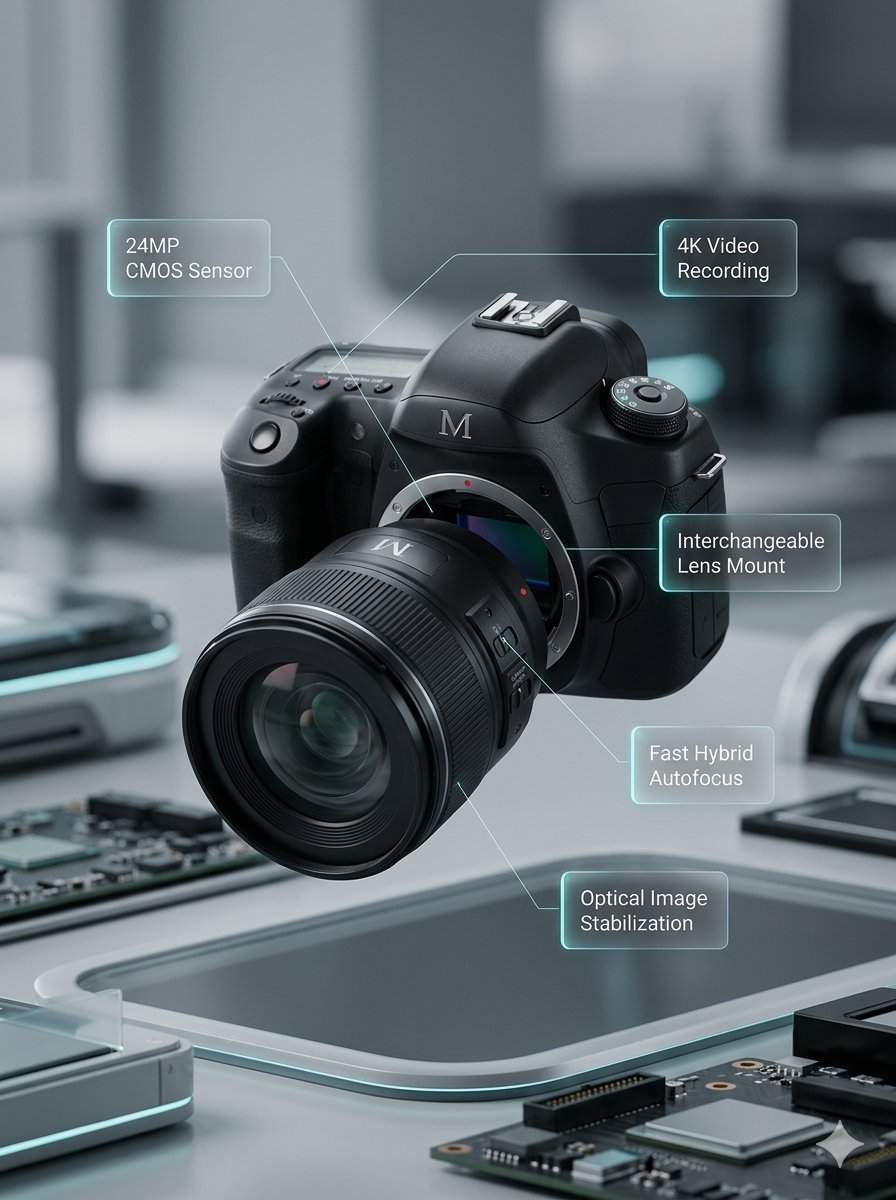
Prompt
Lens segments combine and move back. Left and right body sections close together. Upper body section moves down. Annotations smoothly appear.
Video
Original Image
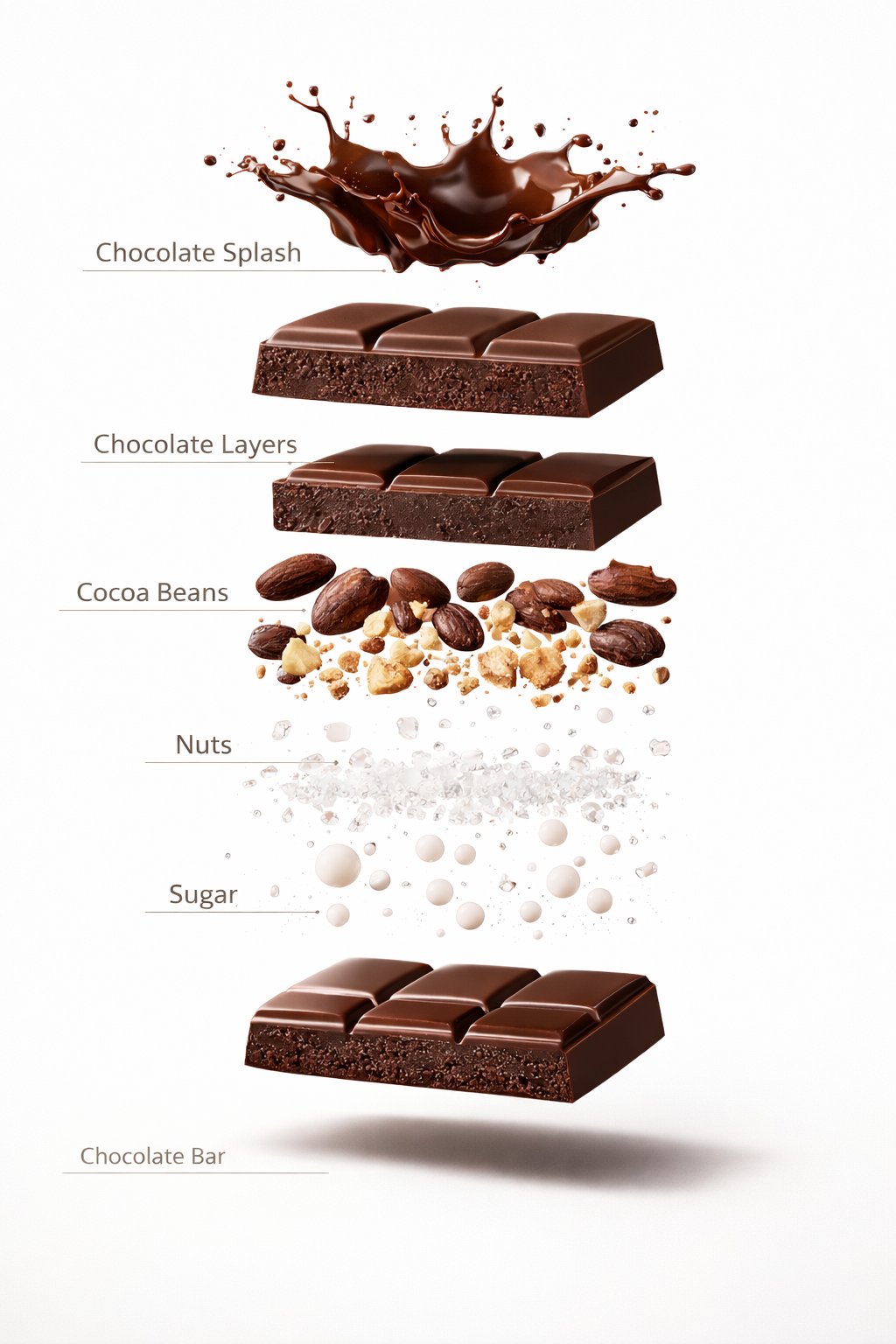
Prompt
A premium dessert product photograph of a luxury chocolate bar partially unwrapped and centered against a rich warm brown seamless studio background. The chocolate has glossy texture, crisp edges, and a high-end confectionery appearance. Soft cinematic studio lighting, subtle shadows, ultra-sharp focus, premium food advertisement style, hyper realistic, 8K.
Video
Original Image
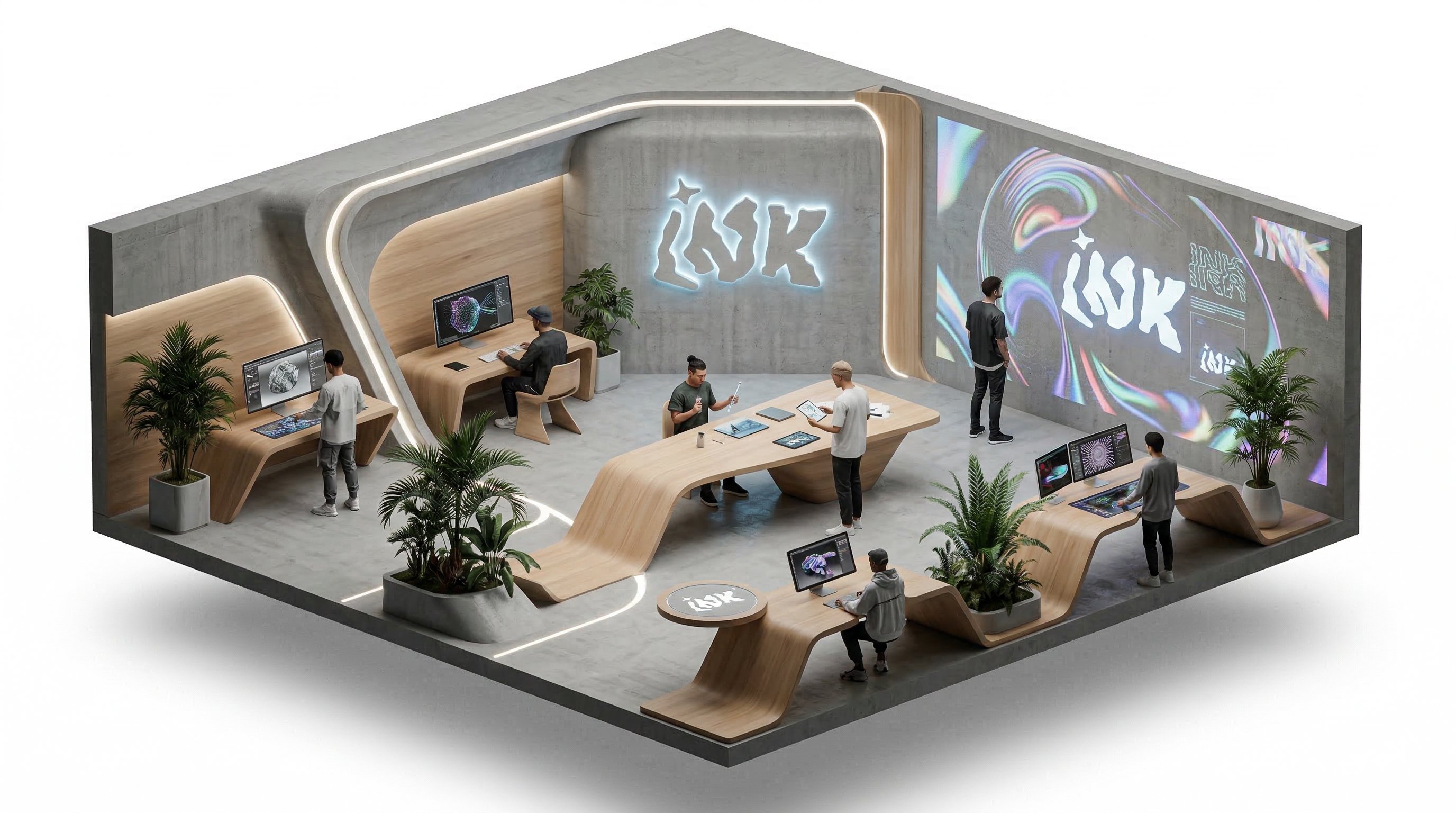
Prompt
isometric office, people working and talking, slow rotation around the isometric scene
Video
Why choose us
Frontier video and image models keep landing here
You do not need to keep changing tools. As new models arrive, you can stay inside the same workflow to test, generate, compare, and manage outputs.

Gemini Omni 1.1 Flash at a glance
Native synchronized audio, three generation modes, and frames built for short-form platforms.
Synchronized audio, built in
Every video comes with native audio that matches the picture, with no extra setting needed, so drafts are ready to share.
Text to video
Describe the scene, action, camera, and sound mood in text to create a 4–10 second clip.
Image to video
Upload 1–2 images as the visual basis and turn still assets into moving video with sound.
Up to 10 reference images
Reference to video accepts up to 10 images to keep characters, products, and style consistent.
Landscape, portrait, or Auto
Choose 16:9, 9:16, or Auto, all at 720p, for both widescreen video and vertical short-form platforms.
How creators use Gemini Omni 1.1 Flash
Common uses include short videos with sound, product motion demos, and character clips.
Clips come out with sound already, so I only do a light edit before posting.

Mio
Short Video Creator
I combine product screenshots and brand elements as references to make short feature intro videos.

Pavel
Indie Developer
I use 16:9 for course trailers and 9:16 for social promos. Same prompt, different ratio, two versions.

Noah
Course Creator
Uploading several character sheets as references keeps the character consistent across shots.

Rika
Character Creator
Turning product photos into short motion clips grabs more attention than a still image.

Jon
Marketplace Seller
When I need a batch of clips fast, I generate drafts with sound first and polish the best few.

Sara
Social Media Editor
Clips come out with sound already, so I only do a light edit before posting.
Mio
Short Video Creator
I combine product screenshots and brand elements as references to make short feature intro videos.
Pavel
Indie Developer
I use 16:9 for course trailers and 9:16 for social promos. Same prompt, different ratio, two versions.
Noah
Course Creator
Uploading several character sheets as references keeps the character consistent across shots.
Rika
Character Creator
Turning product photos into short motion clips grabs more attention than a still image.
Jon
Marketplace Seller
When I need a batch of clips fast, I generate drafts with sound first and polish the best few.
Sara
Social Media Editor
Clips come out with sound already, so I only do a light edit before posting.
Mio
Short Video Creator
I use 16:9 for course trailers and 9:16 for social promos. Same prompt, different ratio, two versions.
Noah
Course Creator
Turning product photos into short motion clips grabs more attention than a still image.
Jon
Marketplace Seller
Clips come out with sound already, so I only do a light edit before posting.
Mio
Short Video Creator
I use 16:9 for course trailers and 9:16 for social promos. Same prompt, different ratio, two versions.
Noah
Course Creator
Turning product photos into short motion clips grabs more attention than a still image.
Jon
Marketplace Seller
I combine product screenshots and brand elements as references to make short feature intro videos.
Pavel
Indie Developer
Uploading several character sheets as references keeps the character consistent across shots.
Rika
Character Creator
When I need a batch of clips fast, I generate drafts with sound first and polish the best few.
Sara
Social Media Editor
I combine product screenshots and brand elements as references to make short feature intro videos.
Pavel
Indie Developer
Uploading several character sheets as references keeps the character consistent across shots.
Rika
Character Creator
When I need a batch of clips fast, I generate drafts with sound first and polish the best few.
Sara
Social Media Editor
Clips come out with sound already, so I only do a light edit before posting.
Mio
Short Video Creator
Uploading several character sheets as references keeps the character consistent across shots.
Rika
Character Creator
Clips come out with sound already, so I only do a light edit before posting.
Mio
Short Video Creator
Uploading several character sheets as references keeps the character consistent across shots.
Rika
Character Creator
I combine product screenshots and brand elements as references to make short feature intro videos.
Pavel
Indie Developer
Turning product photos into short motion clips grabs more attention than a still image.
Jon
Marketplace Seller
I combine product screenshots and brand elements as references to make short feature intro videos.
Pavel
Indie Developer
Turning product photos into short motion clips grabs more attention than a still image.
Jon
Marketplace Seller
I use 16:9 for course trailers and 9:16 for social promos. Same prompt, different ratio, two versions.
Noah
Course Creator
When I need a batch of clips fast, I generate drafts with sound first and polish the best few.
Sara
Social Media Editor
I use 16:9 for course trailers and 9:16 for social promos. Same prompt, different ratio, two versions.
Noah
Course Creator
When I need a batch of clips fast, I generate drafts with sound first and polish the best few.
Sara
Social Media Editor
Creator Updates
Tips for working with Gemini Omni 1.1 Flash
Common approaches to describing sound, organizing references, and choosing ratios.
DS
Describing sound
Synchronized audio
Audio is generated with the picture automatically. Describe ambient sound, tone of dialogue, or music mood in your prompt to shape it.
AudioPrompt
Synchronized audio
OR
Organizing references
Reference to video
You can use up to 10 references. Say whether each image is a character, product, or setting for steadier results.
ReferencesConsistency
Reference to video
CA
Choosing a ratio
16:9 · 9:16
Use 16:9 for widescreen content and 9:16 for short-form platforms. If you are unsure, Auto lets the model decide.
720pAspect Ratio
16:9 · 9:16
FAQ
Gemini Omni 1.1 Flash FAQ
Answers about audio, generation modes, duration, and credits.
Still have a question? Email support@ai-studio.video.
Do Gemini Omni 1.1 Flash videos have sound?
+
Yes. The model automatically generates native audio synchronized with the picture, with no extra setting.
Which generation modes are supported?
+
Text to video, image to video (1–2 images), and reference to video (up to 10 reference images).
Which durations, resolutions, and ratios can I choose?
+
Durations from 4 to 10 seconds at 720p, in 16:9, 9:16, or Auto.
How are credits calculated?
+
Credits mainly depend on duration and generation mode. Once you set the options, the Generate button shows the exact credits for that run.
Pricing
Subscribe to unlock all video and image models, plus more services.
Starter
$29 USD
$14.2 USD / month
400 base credits+5 reward credits / day
Billed $169 USD / year
Save more by stocking up credits for a year of video and image generation.
Includes
- Up to 550 credits/month
- Up to 150 claimable reward credits totally
- Up to 137 videos
- Up to 550 images
- History saved for 180 days
- 3 concurrent tasks
Popular
Standard
$58 USD
$28.25 USD / month
800 base credits+200 bonus credits+8 reward credits / day
Billed $339 USD / year
A balanced plan for regular video and image generation.
Includes
- Up to 1240 credits/month
- Up to 240 claimable reward credits totally
- Up to 310 videos
- Up to 1240 images
- History saved for 180 days
- 5 concurrent tasks
Premium
$139 USD
$71.33 USD / month
2000 base credits+1200 bonus credits+20 reward credits / day
Billed $856 USD / year
Best for teams and heavy video and image generation workloads.
Includes
- Up to 3800 credits/month
- Up to 600 claimable reward credits totally
- Up to 950 videos
- Up to 3800 images
- History saved for 180 days
- Unlimited concurrency
Create a short video with sound using Gemini Omni 1.1 Flash
Describe the picture and the sound, and generate a 4–10 second clip with native synchronized audio.
