

Gemini Omni AI Video Generator
Create precise, editable HD AI videos with Gemini Omni.
Published cases
video cases
Published video cases from the Explore gallery.
Make Cinematic Quality AI Videos and Images
Image to Video AI
Bring your photos to life with AI Video Studio. Turn static images into captivating animated videos in seconds for social clips, campaigns, and visual storytelling.
Original Image

Prompt
ultra realistic high fashion photograph of Emilia Clarke sitting on fresh white snow outdoors in winter. Recognizable facial structure and likeness of Emilia Clarke: oval face shape, soft youthful features, expressive almond-shaped green eyes, naturally full lips, straight petite nose, balanced facial symmetry. Natural winter blush on cheeks and nose. Calm confident expression with a subtle closed-mouth smile, looking directly into the camera. She is seated on the snow with legs bent forward, slightly apart, hands placed behind her for support. Camera angle slightly above eye level, gently looking down. She wears a fitted ribbed sleeveless zip-up yellow bodysuit and pink cable-knit thigh-high socks. Elegant minimal winter fashion styling. Slim, petite, feminine body proportions. Fair-to-light skin tone with natural texture. Background is a snow-covered ground with a dragon partially visible. Natural overcast winter daylight, soft diffused lighting, no harsh shadows, cinematic realism, high skin detail, realistic color grading.
Video
Original Image
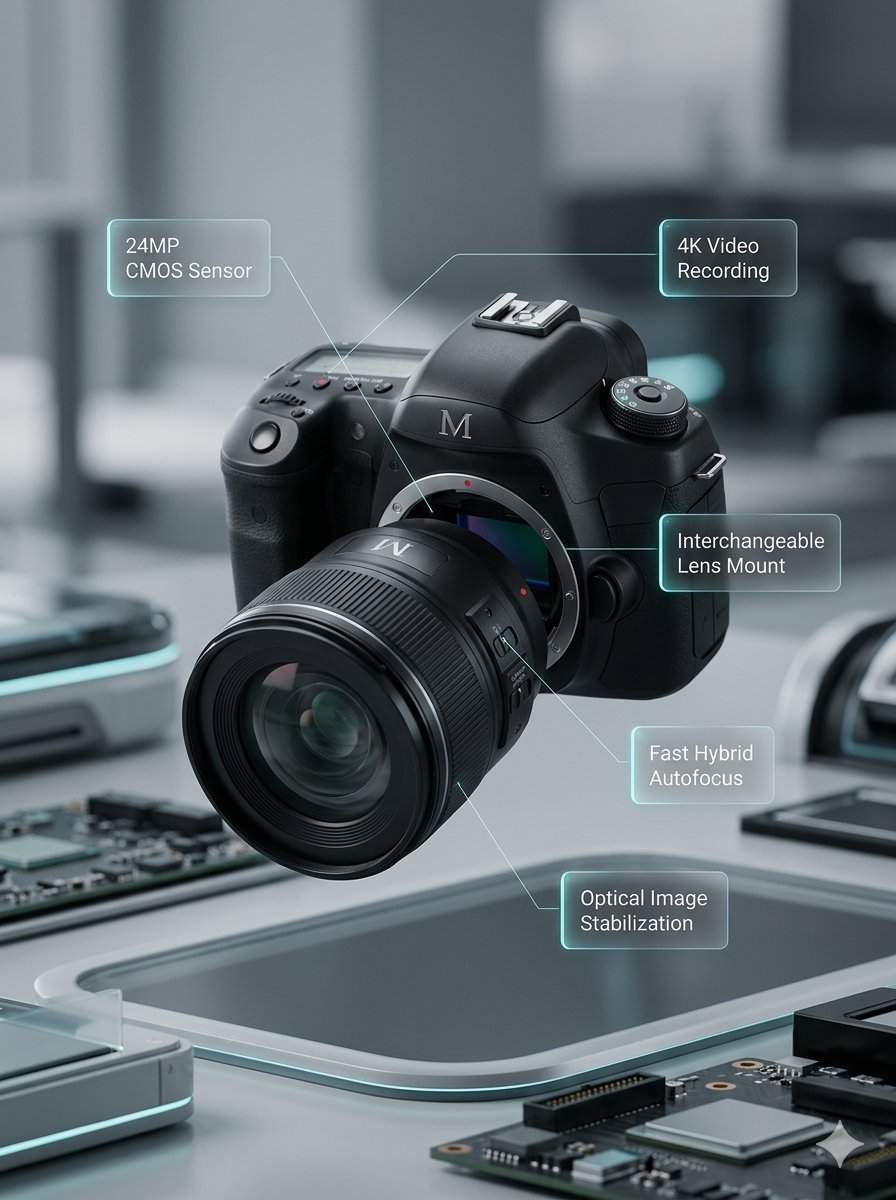
Prompt
Lens segments combine and move back. Left and right body sections close together. Upper body section moves down. Annotations smoothly appear.
Video
Original Image
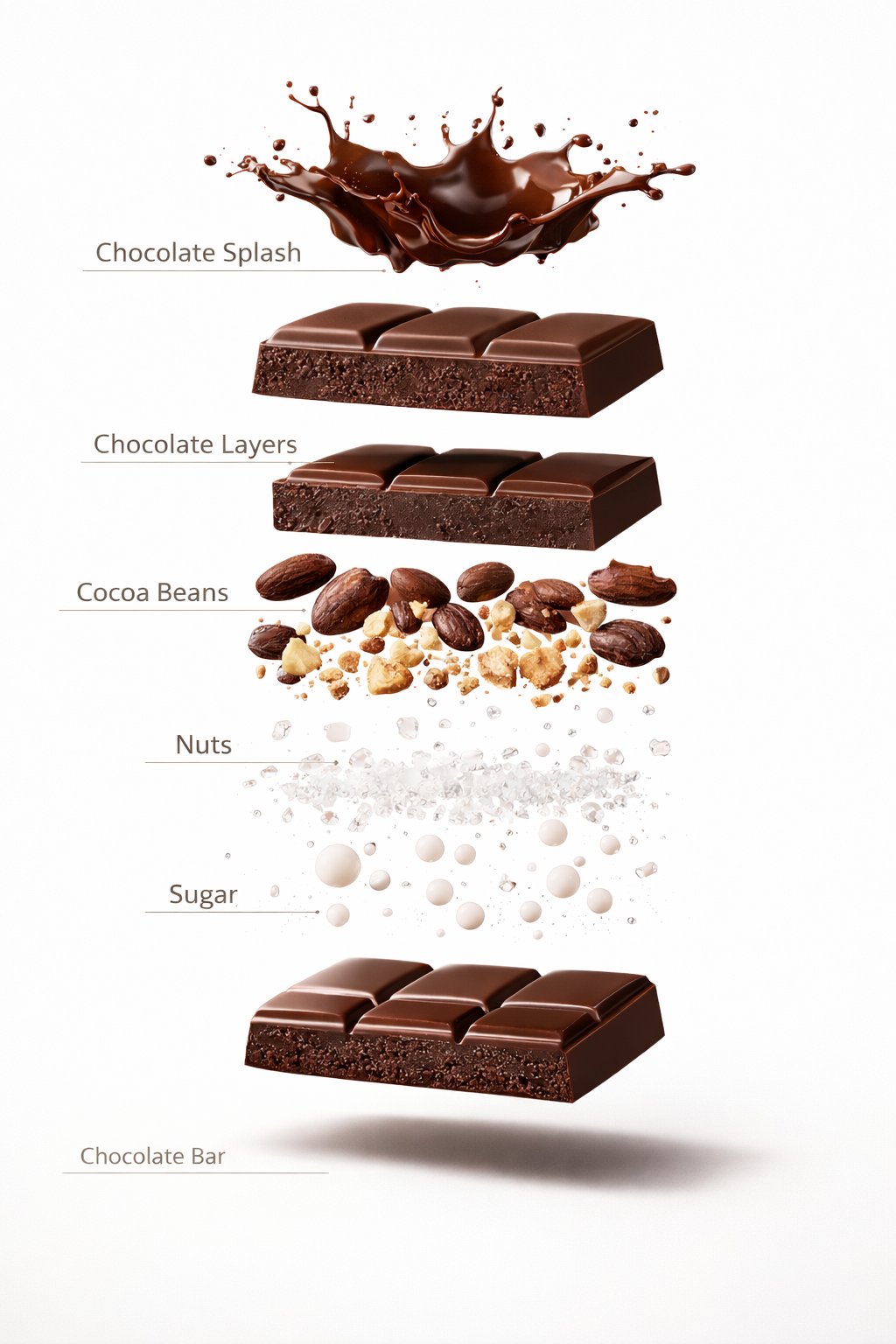
Prompt
A premium dessert product photograph of a luxury chocolate bar partially unwrapped and centered against a rich warm brown seamless studio background. The chocolate has glossy texture, crisp edges, and a high-end confectionery appearance. Soft cinematic studio lighting, subtle shadows, ultra-sharp focus, premium food advertisement style, hyper realistic, 8K.
Video
Original Image
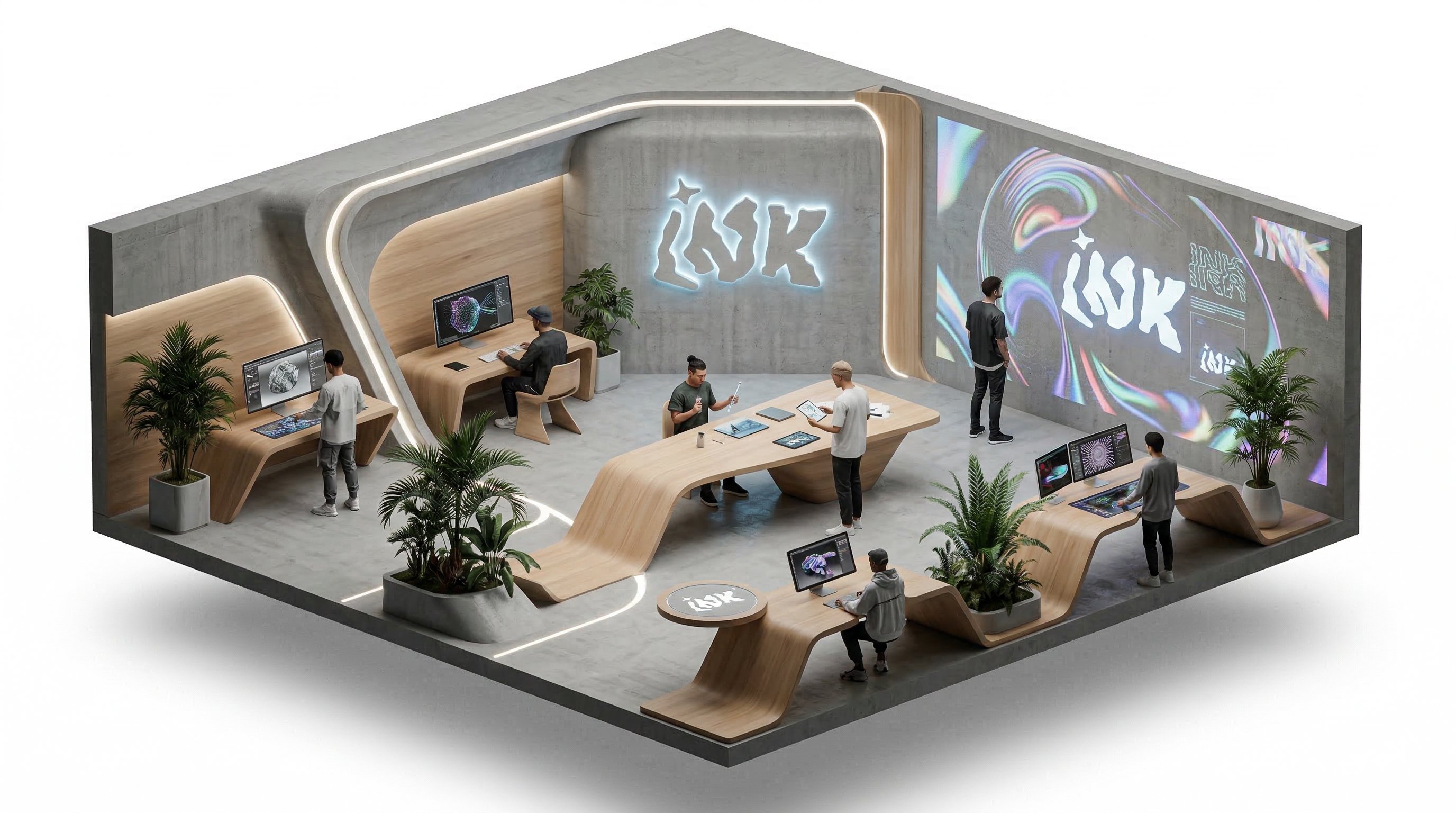
Prompt
isometric office, people working and talking, slow rotation around the isometric scene
Video
Why choose us
Frontier video and image models keep landing here
You do not need to keep changing tools. As new models arrive, you can stay inside the same workflow to test, generate, compare, and manage outputs.
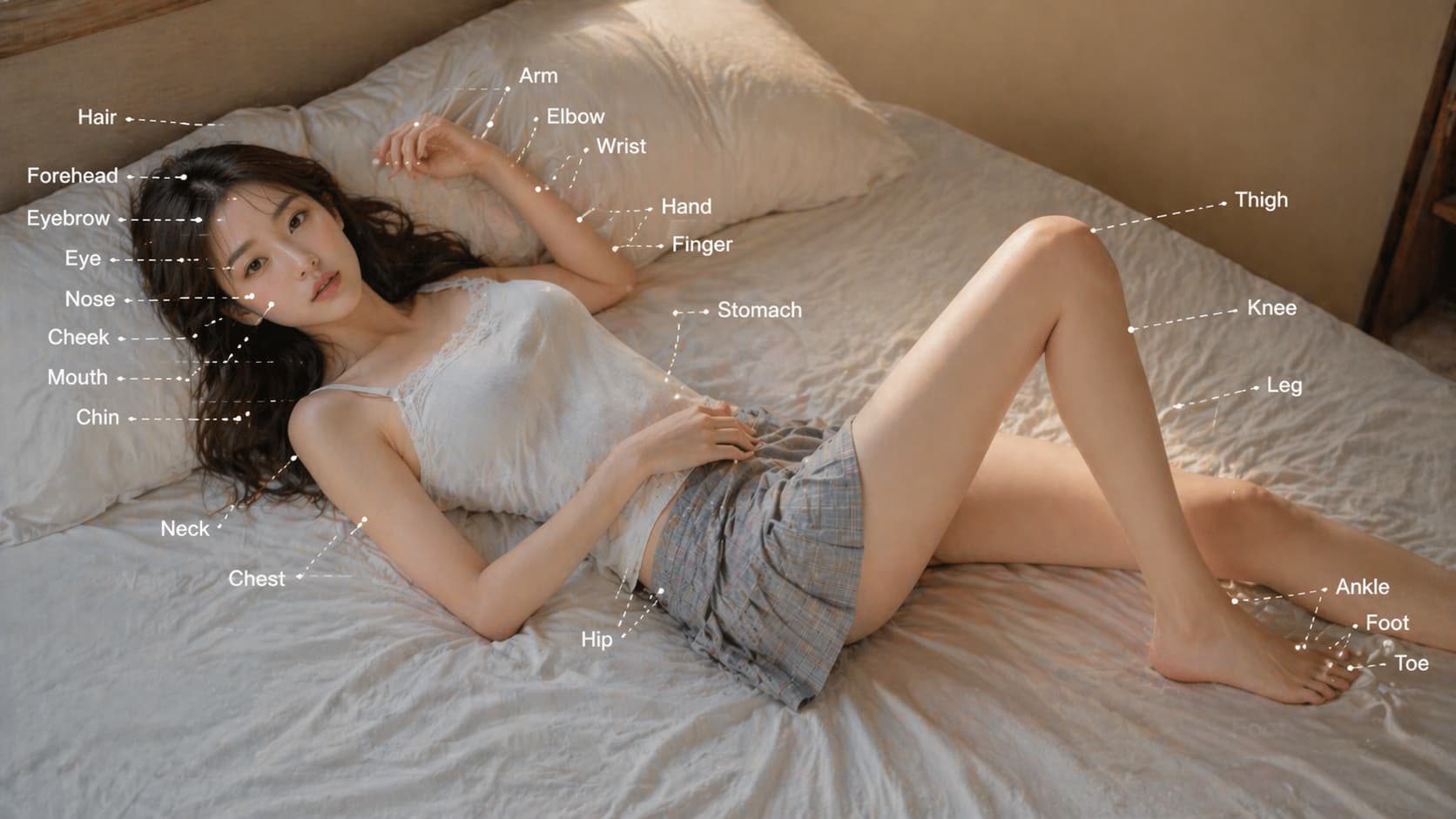

The most-used capabilities on the Gemini Omni page
Explore Gemini Omni workflows for fine-grained video control, video editing, HD output, text-to-video, image-to-video, and reference-to-video creation.
Fine-grained video control
Describe camera movement, subject motion, timing, and scene transitions with enough detail to guide precise Gemini Omni video control.
Video editing workflow
Position Gemini Omni for editing existing clips, revising motion direction, and refining video outputs after the first generation pass.
HD output planning
Create high-definition Gemini Omni outputs with clearer results for marketing, product, and social video work.
Text to video
Use detailed scene prompts to shape Gemini Omni text-to-video ideas with clear subject, camera, and timing direction.
Image to video
Start from a still frame or product visual and describe how Gemini Omni should animate the subject, camera, and environment.
Reference to video
Use reference-to-video prompts with images that define character, product, style, or composition targets for Gemini Omni outputs.
How creators expect to use Gemini Omni in video workflows
Common creator needs include precise video control, editing-friendly outputs, reference guidance, and HD video quality.
I would use Gemini Omni when a prompt needs more precise control over camera motion and edit pacing.

Mio
Short Video Creator
For product clips, reference-to-video support could make it easier to keep the object and style consistent.

Pavel
Indie Developer
HD output matters when a short educational clip needs to stay clear after cropping for different platforms.

Noah
Course Creator
Reference images are the workflow I care about most because character continuity is hard to fix later.

Rika
Character Creator
Image-to-video would help me turn product photos into short clips without planning a full production shoot.

Jon
Marketplace Seller
The video editing angle is important because most social clips need a second pass, not just one generation.

Sara
Social Media Editor
I would use Gemini Omni when a prompt needs more precise control over camera motion and edit pacing.
Mio
Short Video Creator
For product clips, reference-to-video support could make it easier to keep the object and style consistent.
Pavel
Indie Developer
HD output matters when a short educational clip needs to stay clear after cropping for different platforms.
Noah
Course Creator
Reference images are the workflow I care about most because character continuity is hard to fix later.
Rika
Character Creator
Image-to-video would help me turn product photos into short clips without planning a full production shoot.
Jon
Marketplace Seller
The video editing angle is important because most social clips need a second pass, not just one generation.
Sara
Social Media Editor
I would use Gemini Omni when a prompt needs more precise control over camera motion and edit pacing.
Mio
Short Video Creator
HD output matters when a short educational clip needs to stay clear after cropping for different platforms.
Noah
Course Creator
Image-to-video would help me turn product photos into short clips without planning a full production shoot.
Jon
Marketplace Seller
I would use Gemini Omni when a prompt needs more precise control over camera motion and edit pacing.
Mio
Short Video Creator
HD output matters when a short educational clip needs to stay clear after cropping for different platforms.
Noah
Course Creator
Image-to-video would help me turn product photos into short clips without planning a full production shoot.
Jon
Marketplace Seller
For product clips, reference-to-video support could make it easier to keep the object and style consistent.
Pavel
Indie Developer
Reference images are the workflow I care about most because character continuity is hard to fix later.
Rika
Character Creator
The video editing angle is important because most social clips need a second pass, not just one generation.
Sara
Social Media Editor
For product clips, reference-to-video support could make it easier to keep the object and style consistent.
Pavel
Indie Developer
Reference images are the workflow I care about most because character continuity is hard to fix later.
Rika
Character Creator
The video editing angle is important because most social clips need a second pass, not just one generation.
Sara
Social Media Editor
I would use Gemini Omni when a prompt needs more precise control over camera motion and edit pacing.
Mio
Short Video Creator
Reference images are the workflow I care about most because character continuity is hard to fix later.
Rika
Character Creator
I would use Gemini Omni when a prompt needs more precise control over camera motion and edit pacing.
Mio
Short Video Creator
Reference images are the workflow I care about most because character continuity is hard to fix later.
Rika
Character Creator
For product clips, reference-to-video support could make it easier to keep the object and style consistent.
Pavel
Indie Developer
Image-to-video would help me turn product photos into short clips without planning a full production shoot.
Jon
Marketplace Seller
For product clips, reference-to-video support could make it easier to keep the object and style consistent.
Pavel
Indie Developer
Image-to-video would help me turn product photos into short clips without planning a full production shoot.
Jon
Marketplace Seller
HD output matters when a short educational clip needs to stay clear after cropping for different platforms.
Noah
Course Creator
The video editing angle is important because most social clips need a second pass, not just one generation.
Sara
Social Media Editor
HD output matters when a short educational clip needs to stay clear after cropping for different platforms.
Noah
Course Creator
The video editing angle is important because most social clips need a second pass, not just one generation.
Sara
Social Media Editor
Creator Updates
What creators are sharing about Gemini Omni
Fresh X posts around Gemini Omni, covering official rollout details, conversational video editing, multimodal inputs, and hands-on creator reactions.
SP
Sundar Pichai
@sundarpichai
Sundar Pichai introduced Gemini Omni as a model that can create video from any input, combining Gemini intelligence with generative media models.
OfficialVideo
@sundarpichaiOpen post
G
Google showed conversational video editing with Gemini Omni, including changes to action, viewpoint, and lighting across multiple turns.
Video EditingOfficial
@GoogleOpen post
GA
Gemini App
@GeminiApp
Gemini App framed Omni as a paid-subscriber workflow where users can attach text, images, and videos, then reshape footage directly in conversation.
Gemini AppWorkflow
@GeminiAppOpen post
DH
Demis Hassabis
@demishassabis
Demis Hassabis described Gemini Omni as a step forward in world understanding and multimodal editing across photos, video, and audio.
MultimodalDeepMind
@demishassabisOpen post
JM
Justine Moore
@venturetwins
Justine Moore shared hands-on tests, highlighting stronger character consistency, world knowledge, and editing for video generation workflows.
Creator TestEditing
@venturetwinsOpen post
AR
Ammaar Reshi
@ammaar
Ammaar Reshi summarized the creator-facing gains: character consistency, text-to-video editing, dynamic physics, and responsive environments.
Creator ReviewPhysics
@ammaarOpen post
FAQ
Common questions about Gemini Omni
Questions about Gemini Omni video generation modes, fine-grained control, editing workflows, and HD output.
Still have a question? Email support@ai-studio.video.
Can I generate videos with Gemini Omni?
+
Yes. Gemini Omni is designed for AI video workflows across text-to-video, image-to-video, and reference-to-video creation.
What makes Gemini Omni useful for creators?
+
Gemini Omni focuses on precise video control, editing-friendly outputs, reference guidance, and HD video quality for production-ready creative work.
Which workflows does this page prepare for?
+
The page targets text-to-video, image-to-video, reference-to-video, video editing, fine-grained control, and HD output workflows.
How does Gemini Omni support video editing?
+
Gemini Omni works well for revision-heavy video tasks where creators need to refine motion direction, reference consistency, pacing, and output quality after the first draft.
Why does Explore show broader AI video examples?
+
The broader AI video gallery helps you compare motion, composition, reference use, and prompt structure before creating your own Gemini Omni video.
Pricing
Subscribe to unlock all video and image models, plus more services.
Starter
$29 USD
$14.2 USD / month
400 base credits+5 reward credits / day
Billed $169 USD / year
Save more by stocking up credits for a year of video and image generation.
Includes
- Up to 550 credits/month
- Up to 150 claimable reward credits totally
- Up to 137 videos
- Up to 550 images
- History saved for 180 days
- 3 concurrent tasks
Popular
Standard
$58 USD
$28.25 USD / month
800 base credits+200 bonus credits+8 reward credits / day
Billed $339 USD / year
A balanced plan for regular video and image generation.
Includes
- Up to 1240 credits/month
- Up to 240 claimable reward credits totally
- Up to 310 videos
- Up to 1240 images
- History saved for 180 days
- 5 concurrent tasks
Premium
$139 USD
$71.33 USD / month
2000 base credits+1200 bonus credits+20 reward credits / day
Billed $856 USD / year
Best for teams and heavy video and image generation workloads.
Includes
- Up to 3800 credits/month
- Up to 600 claimable reward credits totally
- Up to 950 videos
- Up to 3800 images
- History saved for 180 days
- Unlimited concurrency
Start a Gemini Omni video draft
Write a detailed prompt, review AI video examples, and create precise HD video drafts with Gemini Omni.
