

Sora 2 AI Video Generator
Generate videos with Sora 2 models, supporting Text to Video and Image to Video.
Published cases
video cases
Published video cases from the Explore gallery.
Make Cinematic Quality AI Videos and Images
Image to Video AI
Bring your photos to life with AI Video Studio. Turn static images into captivating animated videos in seconds for social clips, campaigns, and visual storytelling.
Original Image

Prompt
ultra realistic high fashion photograph of Emilia Clarke sitting on fresh white snow outdoors in winter. Recognizable facial structure and likeness of Emilia Clarke: oval face shape, soft youthful features, expressive almond-shaped green eyes, naturally full lips, straight petite nose, balanced facial symmetry. Natural winter blush on cheeks and nose. Calm confident expression with a subtle closed-mouth smile, looking directly into the camera. She is seated on the snow with legs bent forward, slightly apart, hands placed behind her for support. Camera angle slightly above eye level, gently looking down. She wears a fitted ribbed sleeveless zip-up yellow bodysuit and pink cable-knit thigh-high socks. Elegant minimal winter fashion styling. Slim, petite, feminine body proportions. Fair-to-light skin tone with natural texture. Background is a snow-covered ground with a dragon partially visible. Natural overcast winter daylight, soft diffused lighting, no harsh shadows, cinematic realism, high skin detail, realistic color grading.
Video
Original Image
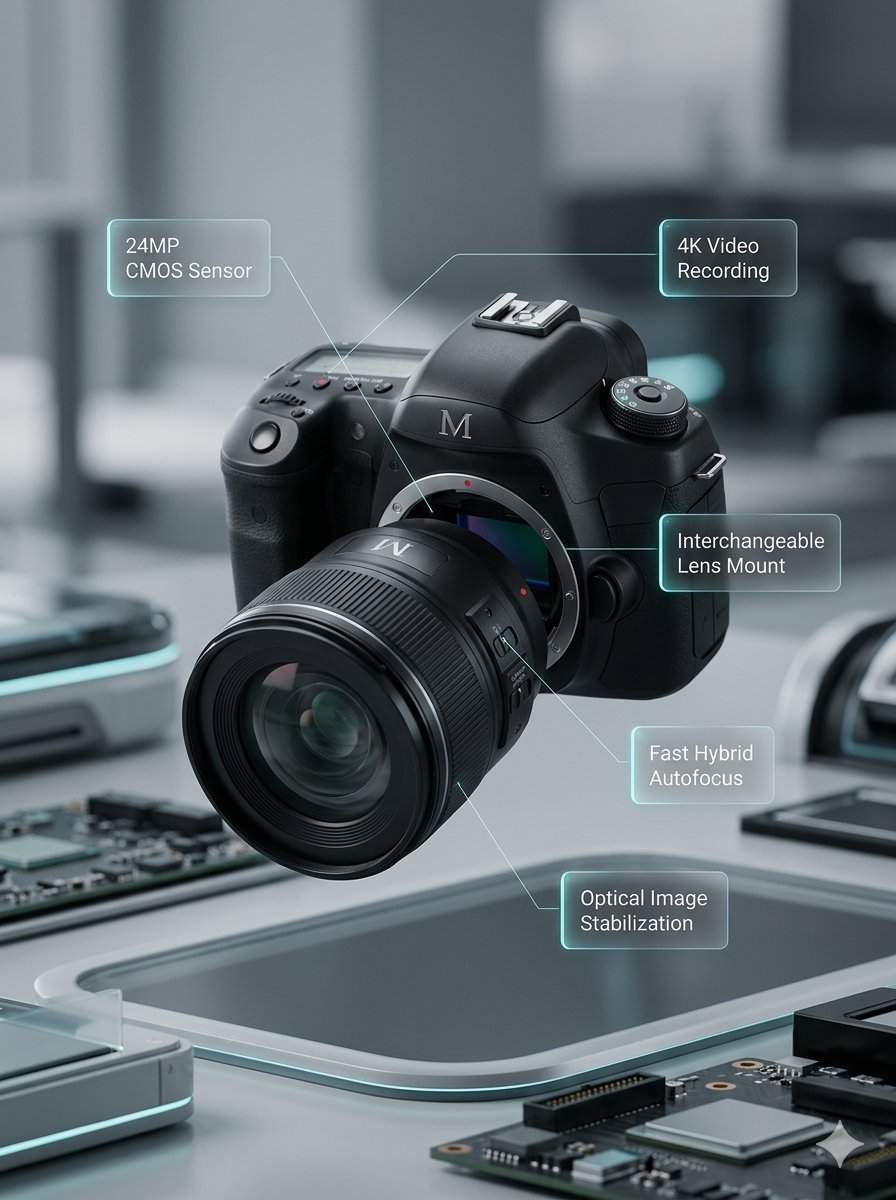
Prompt
Lens segments combine and move back. Left and right body sections close together. Upper body section moves down. Annotations smoothly appear.
Video
Original Image
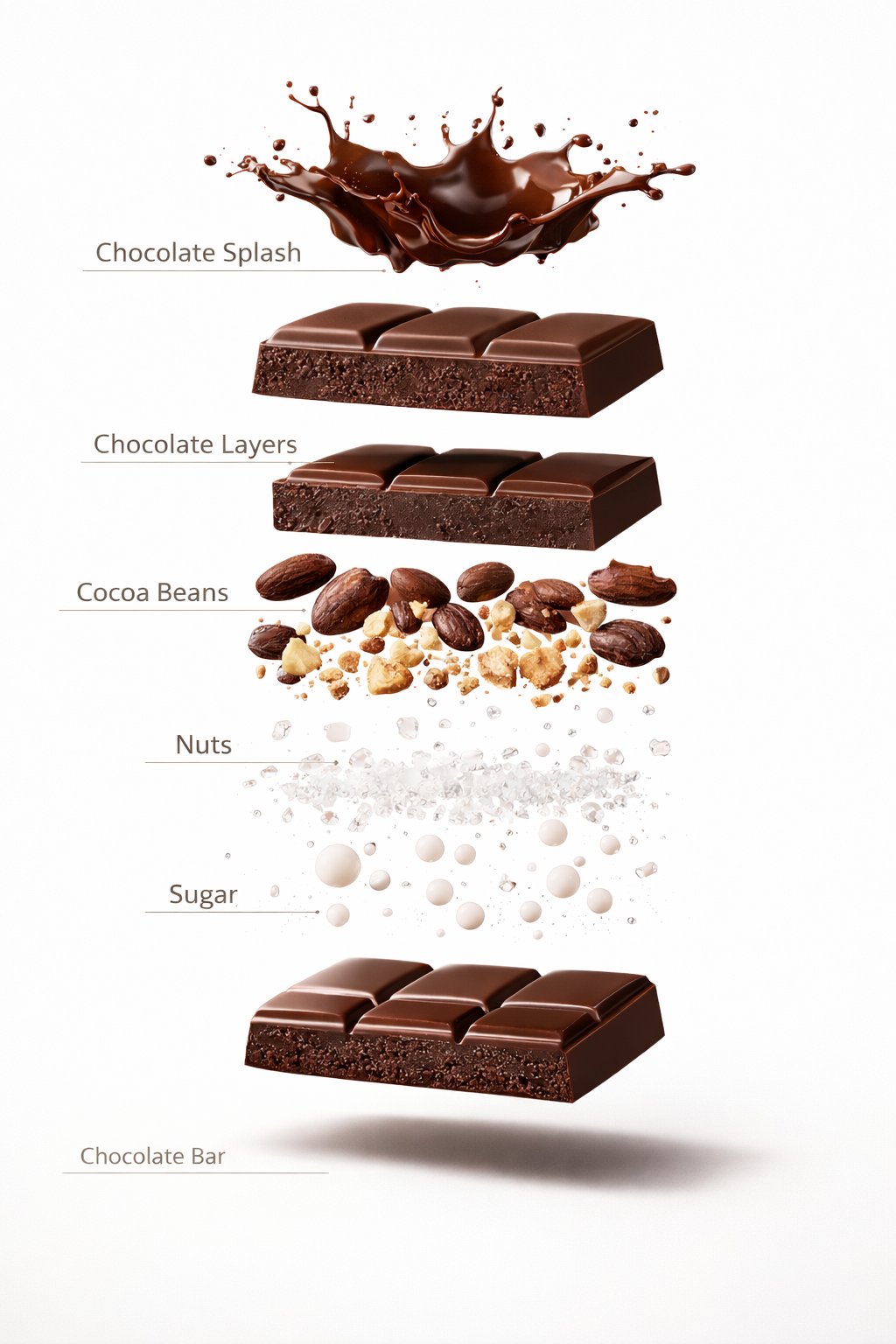
Prompt
A premium dessert product photograph of a luxury chocolate bar partially unwrapped and centered against a rich warm brown seamless studio background. The chocolate has glossy texture, crisp edges, and a high-end confectionery appearance. Soft cinematic studio lighting, subtle shadows, ultra-sharp focus, premium food advertisement style, hyper realistic, 8K.
Video
Original Image
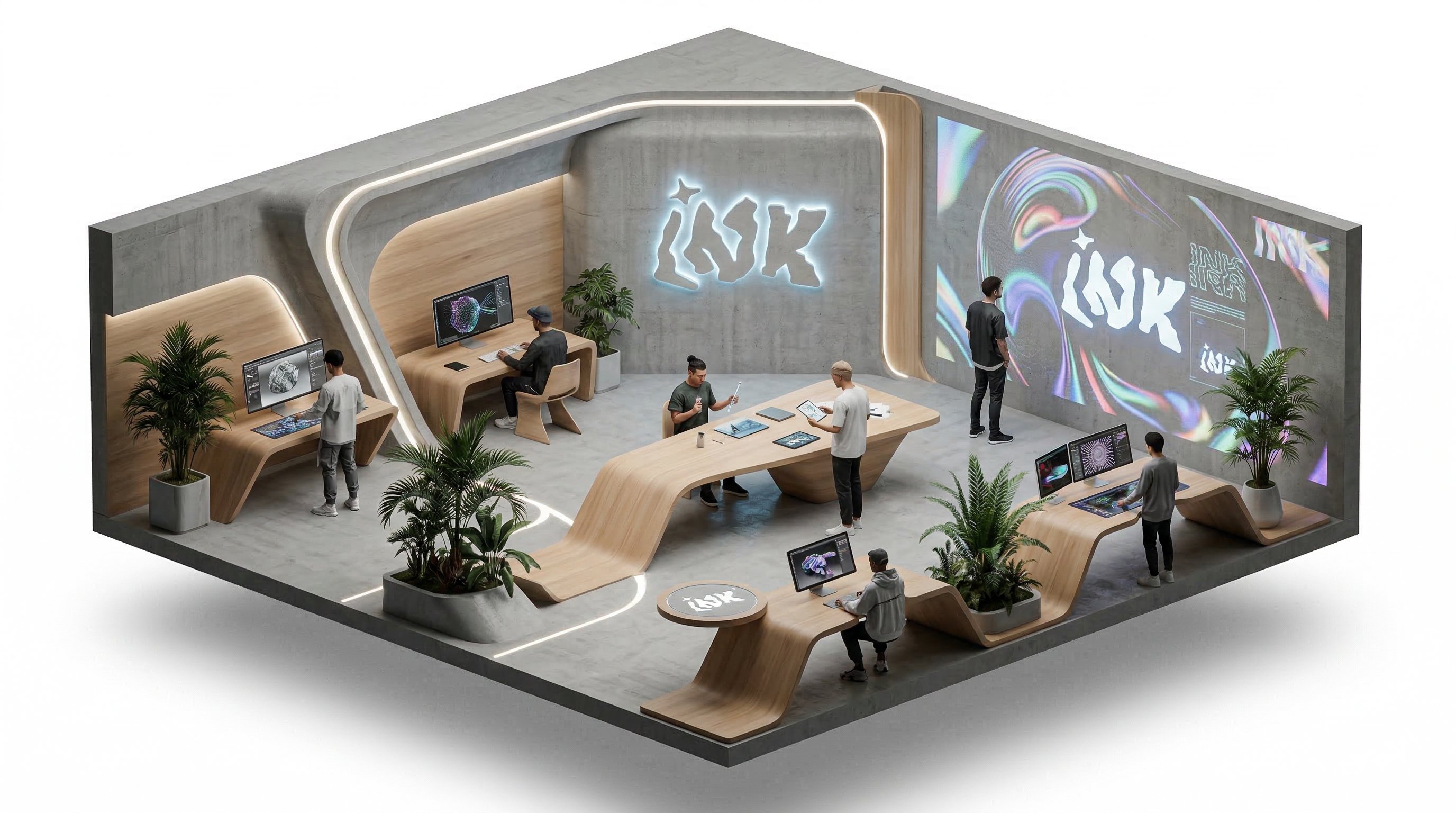
Prompt
isometric office, people working and talking, slow rotation around the isometric scene
Video
Why choose us
Frontier video and image models keep landing here
You do not need to keep changing tools. As new models arrive, you can stay inside the same workflow to test, generate, compare, and manage outputs.

The most-used capabilities on the Sora 2 page
Keep model positioning, example browsing, and video generation in one path instead of splitting the experience across multiple pages.
Direct model entry
The page lands on Sora 2 directly, so you do not need to switch from the general video page first.
Published examples
Review published Sora 2 videos before deciding on story direction or prompt strategy.
Narrative sample positioning stays visible
Users can understand what this model fits best without leaving the same page.
Direct generation path
Review examples and guidance first, then continue into generation without leaving the same page.
Video-specific FAQs
Common questions about fit, example value, and workflow stay inside the same model page.
Pricing closes on the same page
After examples and explanation do their work, users can decide on credits without leaving the current path.
Where individual creators use Sora 2 most often
It fits creators who need storyboard samples, narrative tests, and scene drafts where mood matters as much as motion.
I use Sora 2 to test how the emotional relationship between shots feels before expanding the strongest version into a full short.

Lena
Short Film Creator
For story-driven product teasers, it helps me lock scene direction and rhythm before I commit to a full structure.

Marcus
Solo Founder
It is useful when I need to turn a written scene sequence into a mood-led draft that still feels editable.

Aya
Storyboard Designer
I use it for concept shorts when the client needs to feel the tone and pacing before we plan the full shoot.

Theo
Freelance Editor
For intro sequences, it helps me test emotional tone and scene transitions before I finalize narration and timing.

Mina
Course Creator
The best use for me is mood-heavy teaser work where story feeling matters more than simply showing motion.

Noah
Indie Developer
I use Sora 2 to test how the emotional relationship between shots feels before expanding the strongest version into a full short.
Lena
Short Film Creator
For story-driven product teasers, it helps me lock scene direction and rhythm before I commit to a full structure.
Marcus
Solo Founder
It is useful when I need to turn a written scene sequence into a mood-led draft that still feels editable.
Aya
Storyboard Designer
I use it for concept shorts when the client needs to feel the tone and pacing before we plan the full shoot.
Theo
Freelance Editor
For intro sequences, it helps me test emotional tone and scene transitions before I finalize narration and timing.
Mina
Course Creator
The best use for me is mood-heavy teaser work where story feeling matters more than simply showing motion.
Noah
Indie Developer
I use Sora 2 to test how the emotional relationship between shots feels before expanding the strongest version into a full short.
Lena
Short Film Creator
It is useful when I need to turn a written scene sequence into a mood-led draft that still feels editable.
Aya
Storyboard Designer
For intro sequences, it helps me test emotional tone and scene transitions before I finalize narration and timing.
Mina
Course Creator
I use Sora 2 to test how the emotional relationship between shots feels before expanding the strongest version into a full short.
Lena
Short Film Creator
It is useful when I need to turn a written scene sequence into a mood-led draft that still feels editable.
Aya
Storyboard Designer
For intro sequences, it helps me test emotional tone and scene transitions before I finalize narration and timing.
Mina
Course Creator
For story-driven product teasers, it helps me lock scene direction and rhythm before I commit to a full structure.
Marcus
Solo Founder
I use it for concept shorts when the client needs to feel the tone and pacing before we plan the full shoot.
Theo
Freelance Editor
The best use for me is mood-heavy teaser work where story feeling matters more than simply showing motion.
Noah
Indie Developer
For story-driven product teasers, it helps me lock scene direction and rhythm before I commit to a full structure.
Marcus
Solo Founder
I use it for concept shorts when the client needs to feel the tone and pacing before we plan the full shoot.
Theo
Freelance Editor
The best use for me is mood-heavy teaser work where story feeling matters more than simply showing motion.
Noah
Indie Developer
I use Sora 2 to test how the emotional relationship between shots feels before expanding the strongest version into a full short.
Lena
Short Film Creator
I use it for concept shorts when the client needs to feel the tone and pacing before we plan the full shoot.
Theo
Freelance Editor
I use Sora 2 to test how the emotional relationship between shots feels before expanding the strongest version into a full short.
Lena
Short Film Creator
I use it for concept shorts when the client needs to feel the tone and pacing before we plan the full shoot.
Theo
Freelance Editor
For story-driven product teasers, it helps me lock scene direction and rhythm before I commit to a full structure.
Marcus
Solo Founder
For intro sequences, it helps me test emotional tone and scene transitions before I finalize narration and timing.
Mina
Course Creator
For story-driven product teasers, it helps me lock scene direction and rhythm before I commit to a full structure.
Marcus
Solo Founder
For intro sequences, it helps me test emotional tone and scene transitions before I finalize narration and timing.
Mina
Course Creator
It is useful when I need to turn a written scene sequence into a mood-led draft that still feels editable.
Aya
Storyboard Designer
The best use for me is mood-heavy teaser work where story feeling matters more than simply showing motion.
Noah
Indie Developer
It is useful when I need to turn a written scene sequence into a mood-led draft that still feels editable.
Aya
Storyboard Designer
The best use for me is mood-heavy teaser work where story feeling matters more than simply showing motion.
Noah
Indie Developer
Creator Updates
Real posts around Sora 2 workflows
The public discussion around Sora 2 centers on new API capabilities, rollout signals, and creator reactions to longer-form workflows.
OD
OpenAI Developers
@OpenAIDevs
OpenAI Developers introduced new Video API capabilities powered by Sora 2, including custom characters, longer clips, and continuation.
OfficialAPI Update
@OpenAIDevsOpen post
MF
Mike Futia
@mikefutia
Mike Futia shared a detailed take on how to write better Sora 2 prompts for vertical UGC videos with timing, framing, and camera instructions.
Prompt GuideWorkflow
@mikefutiaOpen post
C
Cas.Fyn
@FynCas
Cas.Fyn explained a Sora 2 agent workflow for UGC production, combining reference images, brand kits, and batch generation for faster testing.
WorkflowVideo
@FynCasOpen post
G
@goth
@goth600
@goth shared an early Sora 2 generation that spread widely, showing creator reactions beyond official product notes.
Creator ReviewVideo
@goth600Open post
JS
John Savage
@johnsavage_ai
John Savage posted a Sora 2 video concept around Stephen Hawking, which is a clean example of the model being used for surreal creator pieces.
Creator ReviewVideo
@johnsavage_aiOpen post
T
TopMediai
@TopMediai
TopMediai highlighted Sora 2 opening up to wider access, which is useful as a public rollout marker alongside workflow examples.
ReleaseVideo
@TopMediaiOpen post
FAQ
Common questions about Sora 2
These questions focus on narrative fit, example value, and the model-page workflow users ask about most often.
Still have a question? Email support@ai-studio.video.
What kinds of video tasks fit Sora 2 best?
+
It is a good fit for storyboard samples, teaser drafts, mood-led scenes, and video tasks that need early narrative validation.
How is this different from the general AI Video Generator page?
+
This page stays focused on Sora 2 and keeps model-specific examples, positioning, FAQs, and pricing in one path.
Can I start generating directly on this page?
+
Yes. This page keeps the main generation path available, so you can review examples and continue into generation in the same flow.
What if there are no public examples available right now?
+
Explore is optional. If there is nothing to show, the rest of the marketing content, FAQs, and pricing still render normally.
Can I still switch to other video models?
+
Yes. The current model-page switching behavior stays in place, so you can still move to Seedance, Kling, or Veo 3.
Pricing
Subscribe to unlock all video and image models, plus more services.
Starter
$29 USD
$14.2 USD / month
400 base credits+5 reward credits / day
Billed US$169 USD / year
Save more by stocking up credits for a year of video and image generation.
Includes
- Up to 550 credits/month
- Up to 150 claimable reward credits totally
- Up to 137 videos
- Up to 550 images
- History saved for 180 days
- 3 concurrent tasks
Popular
Standard
$58 USD
$28.25 USD / month
800 base credits+200 bonus credits+8 reward credits / day
Billed US$339 USD / year
A balanced plan for regular video and image generation.
Includes
- Up to 1240 credits/month
- Up to 240 claimable reward credits totally
- Up to 310 videos
- Up to 1240 images
- History saved for 180 days
- 5 concurrent tasks
Premium
$139 USD
$71.33 USD / month
2000 base credits+1200 bonus credits+20 reward credits / day
Billed US$856 USD / year
Best for teams and heavy video and image generation workloads.
Includes
- Up to 3800 credits/month
- Up to 600 claimable reward credits totally
- Up to 950 videos
- Up to 3800 images
- History saved for 180 days
- Unlimited concurrency
Start with Sora 2 for a first-pass story sample
Lock mood, scene relationships, and pacing quickly, then push the strongest version into a more formal narrative production process.
