Seedance 2.0
More stable with reference-driven generation, shot control, and continuity.

Generate images with GPT Image models, supporting Text to Image and Image to Image.
Browse published GPT Image 2 work before you generate, then decide which prompt directions, revision patterns, and visual tone are worth carrying into your next run.
Transform any image, change style direction, and enhance visual quality without leaving the same workflow.
Create polished visuals from a simple prompt, then keep the strongest frames ready for the next step in production.
You do not need to keep changing tools. As new models arrive, you can stay inside the same workflow to test, generate, compare, and manage outputs.
Keep model context, example browsing, and image generation on one page instead of spreading the path across multiple steps.
The page opens directly on GPT Image 2, so you do not need to switch from the general image page first.
Review public GPT Image 2 outputs before deciding which directions are worth bringing back into your own prompt.
Review examples and guidance first, then continue into generation without leaving the same page.
Common questions about use cases, example value, and the model-page path stay in one place.
It is easier to review which prompts, compositions, and change patterns lead to reliable outputs.
After examples and copy do their job, users can keep moving toward credits without returning to the homepage.
It fits people who want a fast way to keep revising ads, covers, and launch visuals instead of overcommitting on the first pass.
I use GPT Image 2 when I want to explore several versions of the same cover idea without changing tools.

Independent Illustrator
For launch banners, it makes it easy to tweak framing and visual emphasis until the page feels right.

Solo Founder
It works well for thumbnail iteration because I can keep adjusting the same concept in short rounds.

Thumbnail Designer
I use it for client drafts when fast revision matters more than squeezing every detail out of the first render.

Freelance Retoucher
For product ads, it helps me keep testing copy-friendly compositions instead of settling too early.

Marketplace Seller
The best part is how quickly I can revise a usable image once I know roughly what I want.

Course Creator
I use GPT Image 2 when I want to explore several versions of the same cover idea without changing tools.
Independent Illustrator
For launch banners, it makes it easy to tweak framing and visual emphasis until the page feels right.
Solo Founder
It works well for thumbnail iteration because I can keep adjusting the same concept in short rounds.
Thumbnail Designer
I use it for client drafts when fast revision matters more than squeezing every detail out of the first render.
Freelance Retoucher
For product ads, it helps me keep testing copy-friendly compositions instead of settling too early.
Marketplace Seller
The best part is how quickly I can revise a usable image once I know roughly what I want.
Course Creator
I use GPT Image 2 when I want to explore several versions of the same cover idea without changing tools.
Independent Illustrator
It works well for thumbnail iteration because I can keep adjusting the same concept in short rounds.
Thumbnail Designer
For product ads, it helps me keep testing copy-friendly compositions instead of settling too early.
Marketplace Seller
I use GPT Image 2 when I want to explore several versions of the same cover idea without changing tools.
Independent Illustrator
It works well for thumbnail iteration because I can keep adjusting the same concept in short rounds.
Thumbnail Designer
For product ads, it helps me keep testing copy-friendly compositions instead of settling too early.
Marketplace Seller
For launch banners, it makes it easy to tweak framing and visual emphasis until the page feels right.
Solo Founder
I use it for client drafts when fast revision matters more than squeezing every detail out of the first render.
Freelance Retoucher
The best part is how quickly I can revise a usable image once I know roughly what I want.
Course Creator
For launch banners, it makes it easy to tweak framing and visual emphasis until the page feels right.
Solo Founder
I use it for client drafts when fast revision matters more than squeezing every detail out of the first render.
Freelance Retoucher
The best part is how quickly I can revise a usable image once I know roughly what I want.
Course Creator
I use GPT Image 2 when I want to explore several versions of the same cover idea without changing tools.
Independent Illustrator
I use it for client drafts when fast revision matters more than squeezing every detail out of the first render.
Freelance Retoucher
I use GPT Image 2 when I want to explore several versions of the same cover idea without changing tools.
Independent Illustrator
I use it for client drafts when fast revision matters more than squeezing every detail out of the first render.
Freelance Retoucher
For launch banners, it makes it easy to tweak framing and visual emphasis until the page feels right.
Solo Founder
For product ads, it helps me keep testing copy-friendly compositions instead of settling too early.
Marketplace Seller
For launch banners, it makes it easy to tweak framing and visual emphasis until the page feels right.
Solo Founder
For product ads, it helps me keep testing copy-friendly compositions instead of settling too early.
Marketplace Seller
It works well for thumbnail iteration because I can keep adjusting the same concept in short rounds.
Thumbnail Designer
The best part is how quickly I can revise a usable image once I know roughly what I want.
Course Creator
It works well for thumbnail iteration because I can keep adjusting the same concept in short rounds.
Thumbnail Designer
The best part is how quickly I can revise a usable image once I know roughly what I want.
Course Creator
These posts focus on release notes, prompt-heavy outputs, and side-by-side creator reactions around GPT Image 2 workflows.
can
@marmaduke091
can flagged GPT Image 2 showing up in LM Arena with multiple variants, pointing to fresh public rollout signals around the model.
David Hendrickson
@TeksEdge
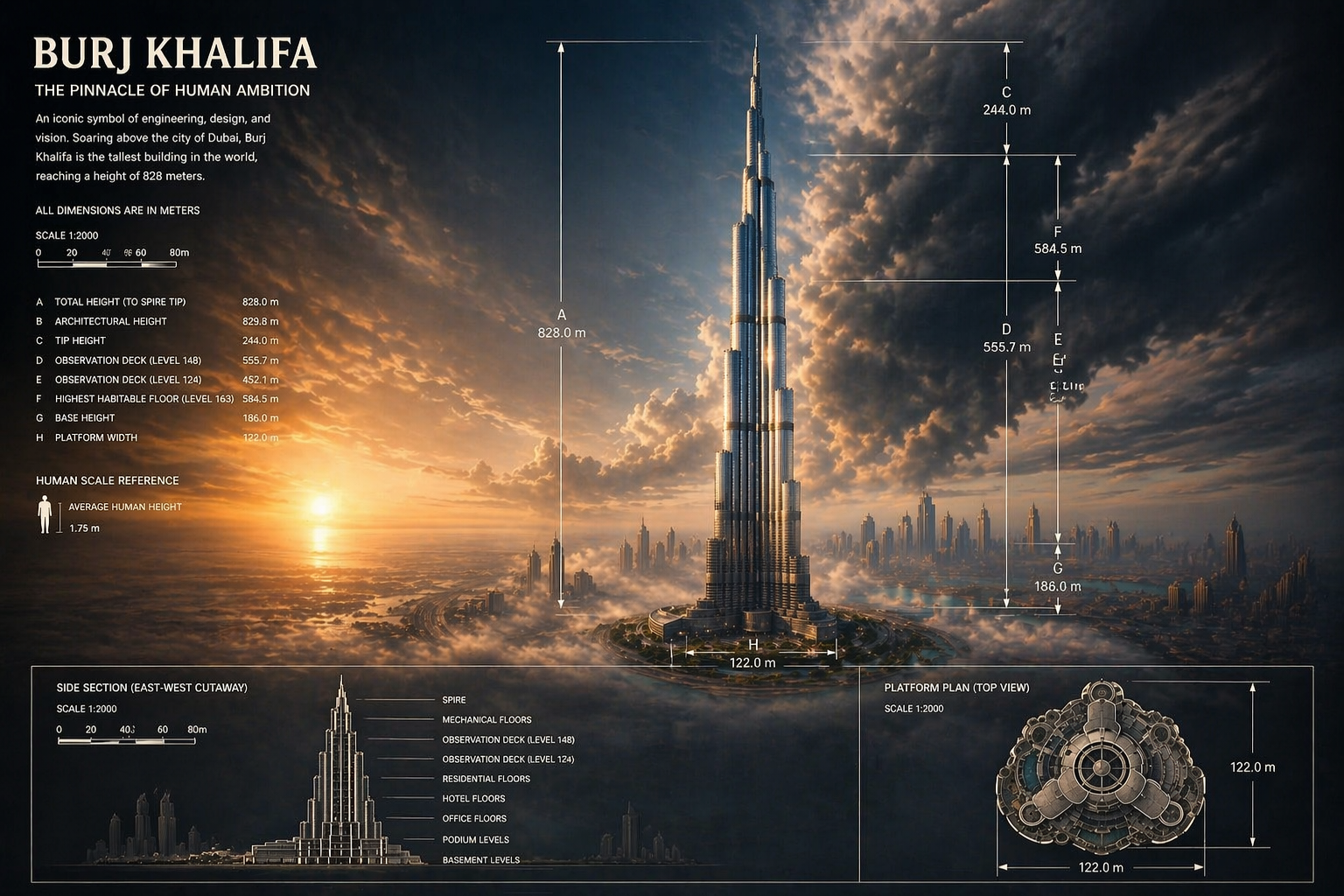
David Hendrickson described GPT Image 2 as a major jump for infographics, calling out cleaner text rendering and stronger coherence in complex layouts.
Miss Sentient
@0xsachi
Miss Sentient amplified the early GPT Image 2 leak discussion and framed it as a credible reason to switch image workflows away from competing models.
chetaslua
@chetaslua
chetaslua used a simple bookshelf counting prompt to show GPT Image 2 handling structure and object counts more cleanly than older image models.
patrickassale
@patrickassale
patrickassale shared an English prompt for a handwritten notebook photo, highlighting GPT Image 2 realism and readable casual text.
pfanis
@pfanis
pfanis posted an English science encyclopedia poster prompt that fits GPT Image 2 especially well because it mixes illustration, information density, and layout discipline.
These questions focus on revision-heavy work, example value, and the model-page workflow users ask about most often.
Still have a question? Email support@ai-studio.video.
It is a good fit for concept exploration, marketing draft assets, covers, and image tasks that need several rounds of comparison and revision.
This page stays focused on GPT Image 2 and keeps model-specific examples, positioning, FAQs, and pricing in one path.
Yes. This page keeps the main generation path available, so you can review examples and continue into generation in the same flow.
Explore is optional. If there is nothing to show, the rest of the marketing content, FAQs, and pricing still render normally.
Yes. The current model-page switching behavior stays in place, so you can still move to Nano Banana, Seedream, or Z Image.
Subscribe to unlock all video and image models, plus more services.
Billed US$169 USD / year
Includes
Billed US$339 USD / year
Includes
Billed US$856 USD / year
Includes
Get to a discussable visual direction quickly, then keep refining it through multiple passes toward the final use case.