

Seedance 2.5 AI Video Generator
Create videos up to 30 seconds long with Seedance 2.5, with text-to-video, image-to-video, and multi-image reference-to-video at up to 1080p.
Published cases
Browse public videos from the Seedance family
See published videos made with Seedance models, borrow ideas for camera movement, pacing, and style, then create longer, fuller versions with Seedance 2.5.
Make Cinematic Quality AI Videos and Images
Image to Video AI
Bring your photos to life with AI Video Studio. Turn static images into captivating animated videos in seconds for social clips, campaigns, and visual storytelling.
Original Image
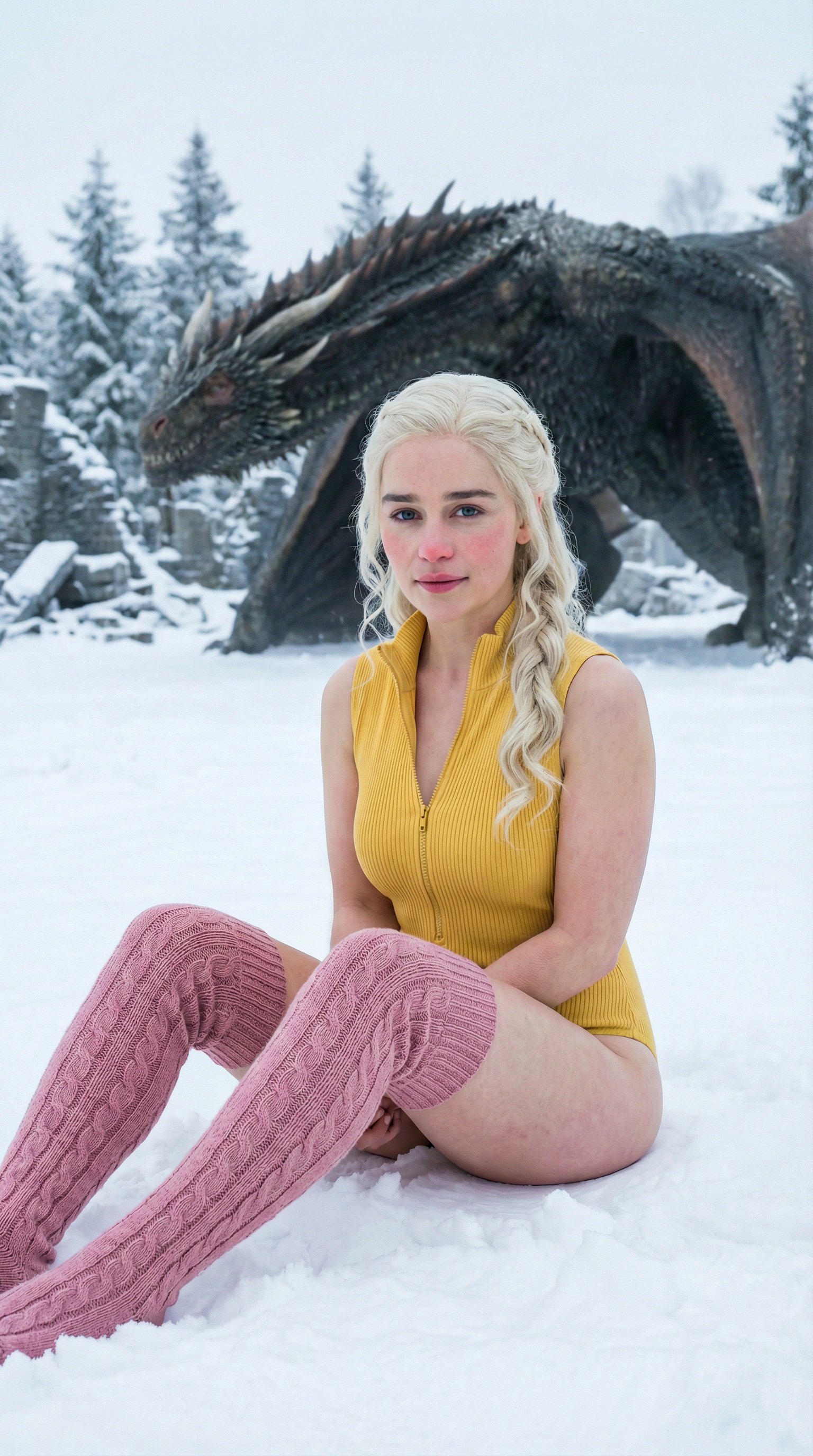
Prompt
ultra realistic high fashion photograph of Emilia Clarke sitting on fresh white snow outdoors in winter. Recognizable facial structure and likeness of Emilia Clarke: oval face shape, soft youthful features, expressive almond-shaped green eyes, naturally full lips, straight petite nose, balanced facial symmetry. Natural winter blush on cheeks and nose. Calm confident expression with a subtle closed-mouth smile, looking directly into the camera. She is seated on the snow with legs bent forward, slightly apart, hands placed behind her for support. Camera angle slightly above eye level, gently looking down. She wears a fitted ribbed sleeveless zip-up yellow bodysuit and pink cable-knit thigh-high socks. Elegant minimal winter fashion styling. Slim, petite, feminine body proportions. Fair-to-light skin tone with natural texture. Background is a snow-covered ground with a dragon partially visible. Natural overcast winter daylight, soft diffused lighting, no harsh shadows, cinematic realism, high skin detail, realistic color grading.
Video
Original Image
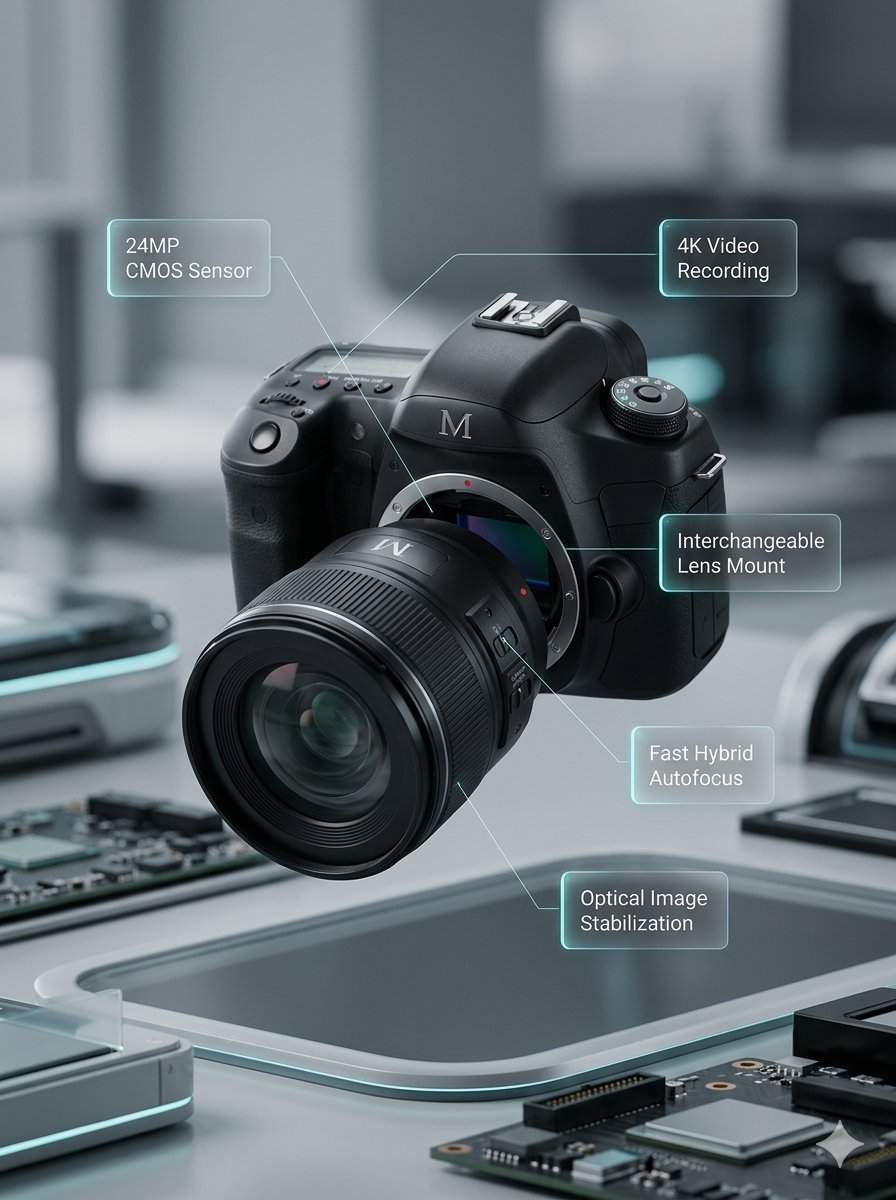
Prompt
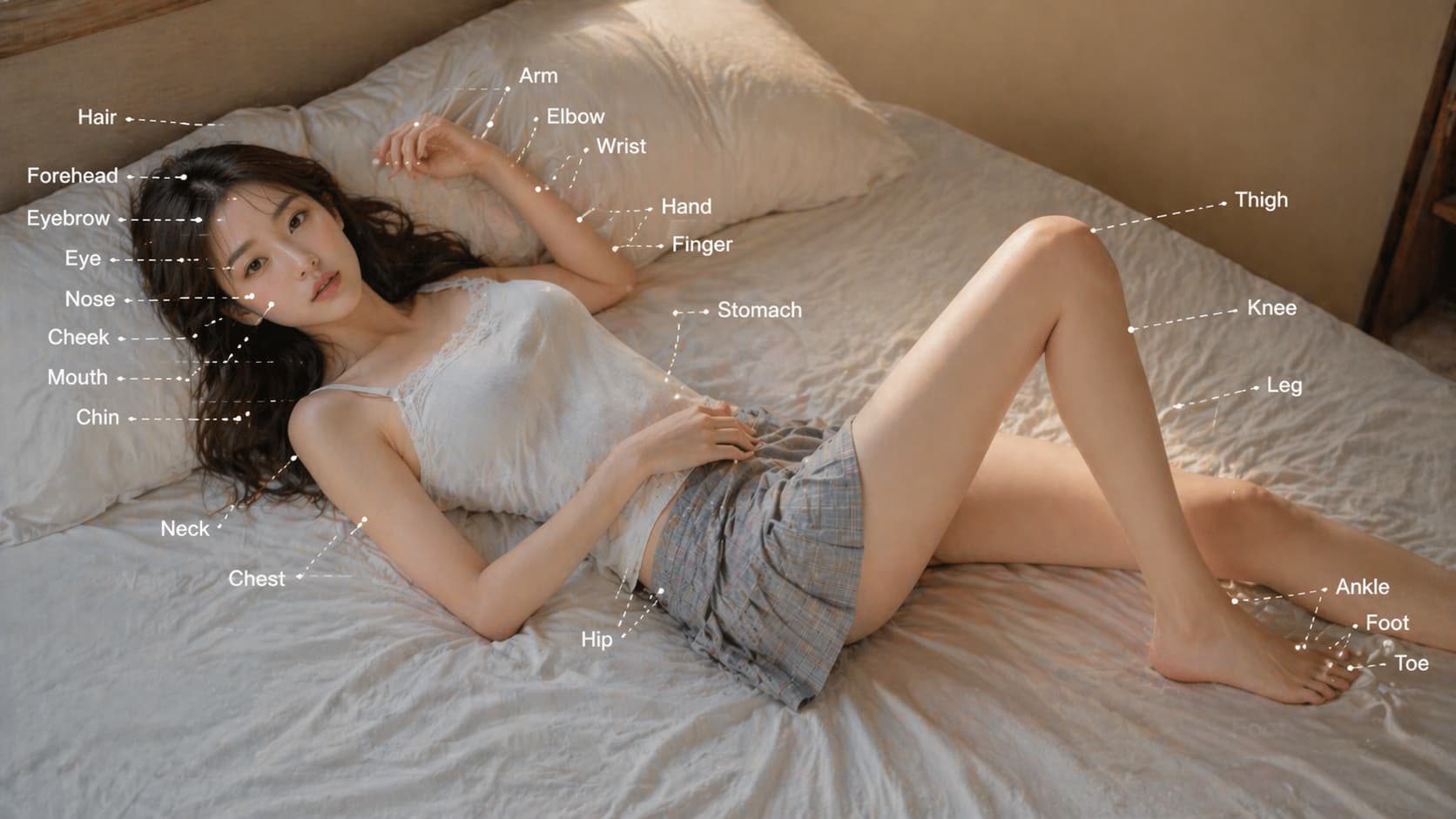
Lens segments combine and move back. Left and right body sections close together. Upper body section moves down. Annotations smoothly appear.
Video
Original Image
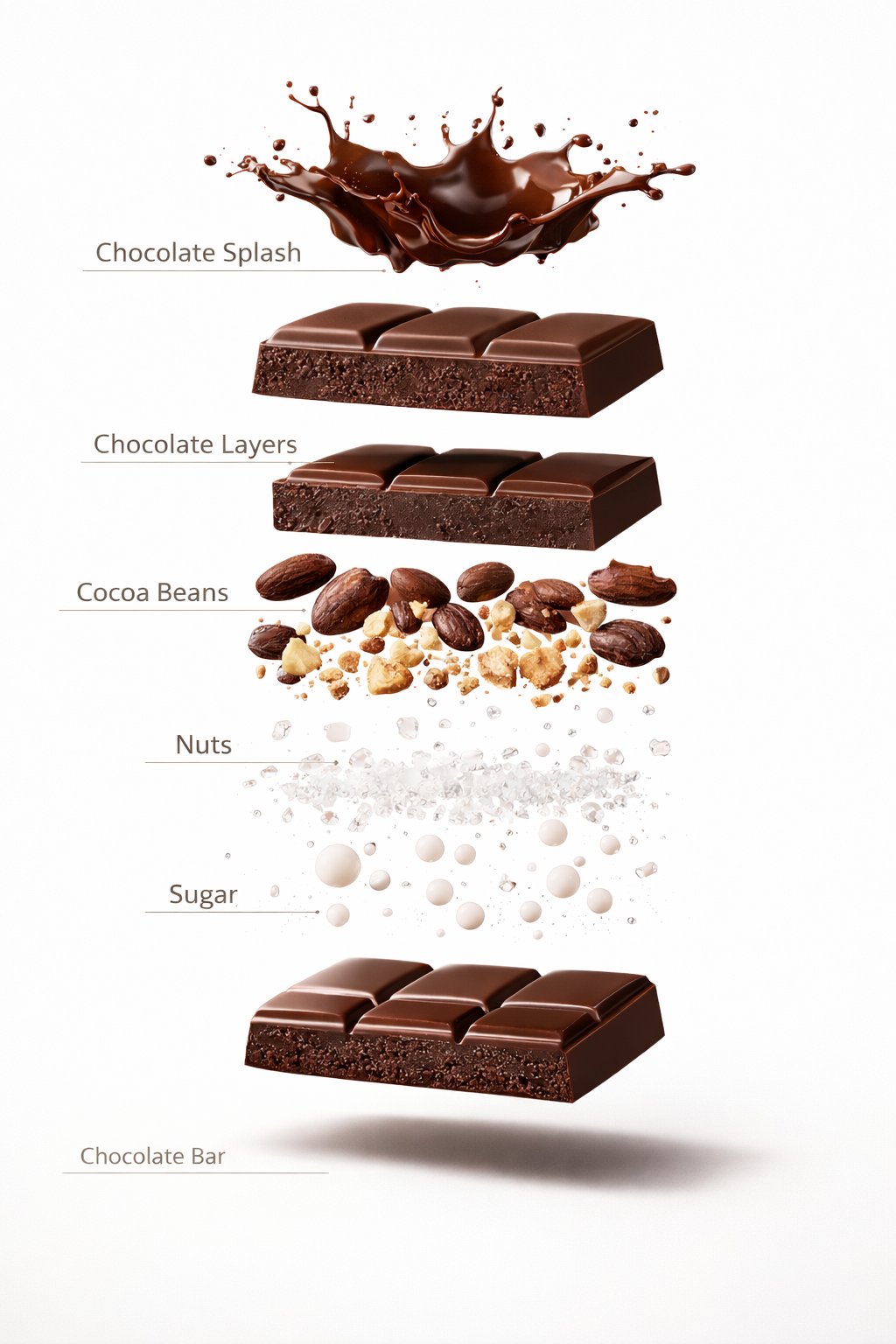
Prompt
A premium dessert product photograph of a luxury chocolate bar partially unwrapped and centered against a rich warm brown seamless studio background. The chocolate has glossy texture, crisp edges, and a high-end confectionery appearance. Soft cinematic studio lighting, subtle shadows, ultra-sharp focus, premium food advertisement style, hyper realistic, 8K.
Video
Original Image
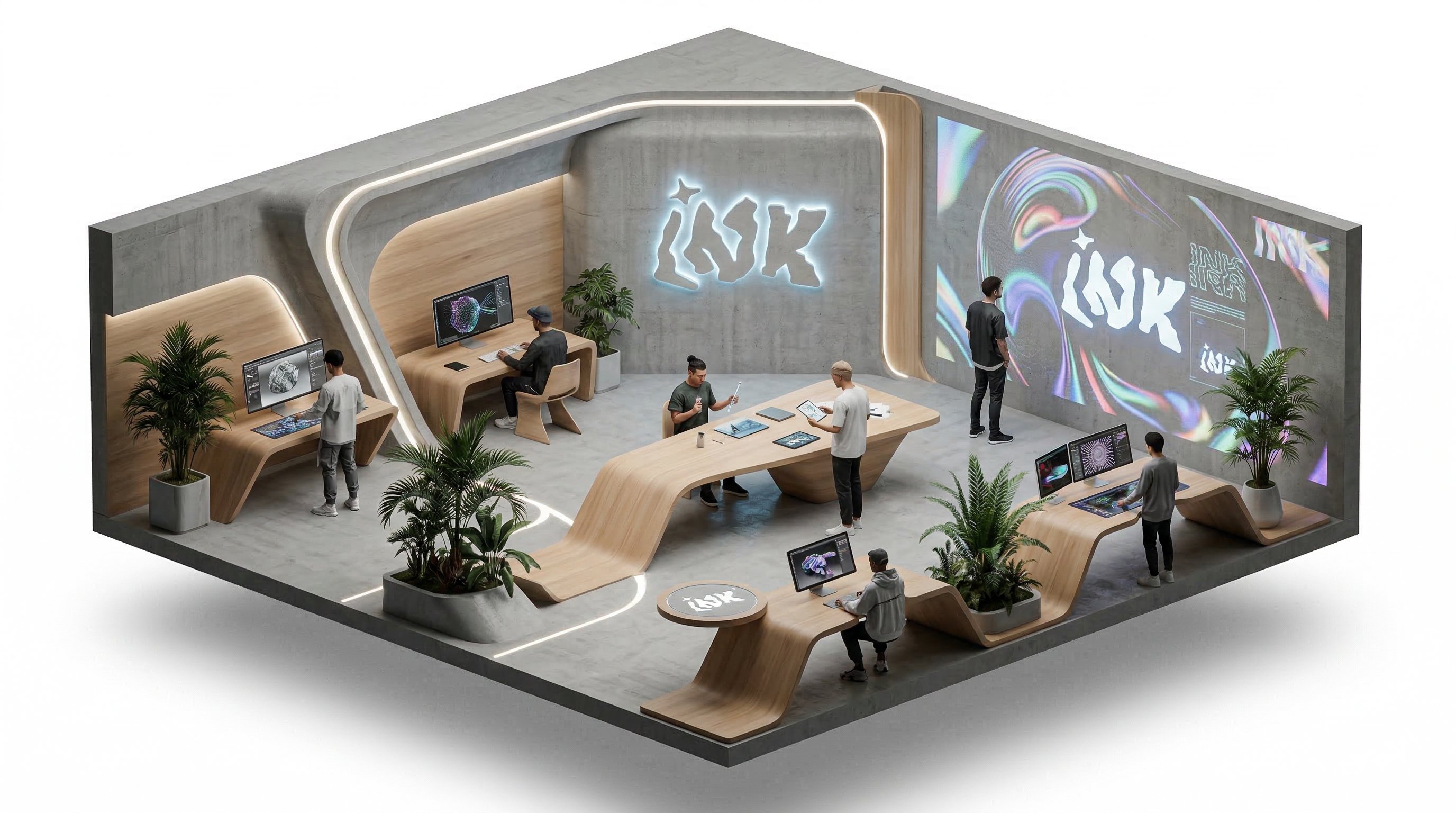
Prompt
isometric office, people working and talking, slow rotation around the isometric scene
Video
Why choose us
Frontier video and image models keep landing here
You do not need to keep changing tools. As new models arrive, you can stay inside the same workflow to test, generate, compare, and manage outputs.


Seedance 2.5 at a glance
Choose duration, references, resolution, and sound to fit each project.
4–30 seconds, set by the second
Pick any length from 4 to 30 seconds, so a single clip can hold a fuller sequence with less stitching in post.
Text to video
Describe the scene, subject action, and camera movement in text to generate a paced video clip.
Image to video
Upload 1–2 images as the visual starting point and bring product shots, illustrations, or photos to life.
Up to 30 reference images
Reference to video accepts up to 30 images to lock in characters, products, settings, and style, which helps with complex multi-subject scenes.
480p, 720p, and 1080p
Validate ideas quickly at 480p, then switch to 1080p for the final cut. Credits scale with resolution and duration.
Sound on or off
Videos are generated with sound by default. Turn it off if you plan to add your own music or voiceover later.
How individual creators use Seedance 2.5
Common uses include short-form openers, product showcases, course intros, and story sequences.
I used to split one idea into several generations. Now a single clip of 20-plus seconds carries it from start to finish.

Nina
Short-form Creator
I upload interface screenshots and product shots as references to create showcase videos for launches.

Owen
Indie Builder
For course intros I turn sound off and add my own narration afterward.

Saki
Course Creator
I used to split one idea into several generations. Now a single clip of 20-plus seconds carries it from start to finish.
Nina
Short-form Creator
I upload interface screenshots and product shots as references to create showcase videos for launches.
Owen
Indie Builder
For course intros I turn sound off and add my own narration afterward.
Saki
Course Creator
I used to split one idea into several generations. Now a single clip of 20-plus seconds carries it from start to finish.
Nina
Short-form Creator
For course intros I turn sound off and add my own narration afterward.
Saki
Course Creator
I used to split one idea into several generations. Now a single clip of 20-plus seconds carries it from start to finish.
Nina
Short-form Creator
For course intros I turn sound off and add my own narration afterward.
Saki
Course Creator
I upload interface screenshots and product shots as references to create showcase videos for launches.
Owen
Indie Builder
I upload interface screenshots and product shots as references to create showcase videos for launches.
Owen
Indie Builder
I used to split one idea into several generations. Now a single clip of 20-plus seconds carries it from start to finish.
Nina
Short-form Creator
I used to split one idea into several generations. Now a single clip of 20-plus seconds carries it from start to finish.
Nina
Short-form Creator
I upload interface screenshots and product shots as references to create showcase videos for launches.
Owen
Indie Builder
I upload interface screenshots and product shots as references to create showcase videos for launches.
Owen
Indie Builder
For course intros I turn sound off and add my own narration afterward.
Saki
Course Creator
For course intros I turn sound off and add my own narration afterward.
Saki
Course Creator
Creator Updates
Tips for working with Seedance 2.5
Common approaches to planning duration, organizing references, and choosing resolution.
PD
Planning duration
4–30 seconds
For longer clips, describe shots in time order, such as the opening, the main action, and the closing frame, so the pacing across 30 seconds stays clear.
DurationStoryboard
4–30 seconds
OR
Organizing references
Reference to video
With many references, say in your prompt which character, product, or setting each image represents. Results tend to match your intent more closely.
ReferencesConsistency
Reference to video
CR
Choosing resolution
480p–1080p
Validate the idea with 480p and a shorter duration first, then generate the full 1080p version once the direction is set.
1080pDrafts
480p–1080p
FAQ
Seedance 2.5 FAQ
Answers about duration, references, resolution, and credits.
Need a different answer? Contact support@ai-studio.video.
How long can a Seedance 2.5 video be?
+
Any length from 4 to 30 seconds, chosen by the second.
How many images can I upload?
+
Reference to video accepts up to 30 images. Image to video accepts 1–2 images.
Which resolutions and aspect ratios are supported?
+
Choose 480p, 720p, or 1080p. Text to video and reference to video support 16:9, 9:16, 1:1, 4:3, 3:4, 21:9, and adaptive; image to video adapts to the uploaded image.
How are credits calculated?
+
Credits depend on duration, resolution, and generation mode. Longer and higher-resolution videos cost more, and the Generate button shows the exact credits before you start.
How is Seedance 2.5 different from Seedance 2.0?
+
On AI Studio, Seedance 2.5 supports up to 30 seconds (Seedance 2.0 supports 15) and up to 30 reference images (Seedance 2.0 supports 4). You can switch between them in the same generator.
Pricing
Subscribe to unlock all video and image models, plus more services.
Starter
$29 USD
$14.2 USD / month
400 base credits+5 reward credits / day
Billed US$169 USD / year
Save more by stocking up credits for a year of video and image generation.
Includes
- Up to 550 credits/month
- Up to 150 claimable reward credits totally
- Up to 137 videos
- Up to 550 images
- History saved for 180 days
- 3 concurrent tasks
Popular
Standard
$58 USD
$28.25 USD / month
800 base credits+200 bonus credits+8 reward credits / day
Billed US$339 USD / year
A balanced plan for regular video and image generation.
Includes
- Up to 1240 credits/month
- Up to 240 claimable reward credits totally
- Up to 310 videos
- Up to 1240 images
- History saved for 180 days
- 5 concurrent tasks
Premium
$139 USD
$71.33 USD / month
2000 base credits+1200 bonus credits+20 reward credits / day
Billed US$856 USD / year
Best for teams and heavy video and image generation workloads.
Includes
- Up to 3800 credits/month
- Up to 600 claimable reward credits totally
- Up to 950 videos
- Up to 3800 images
- History saved for 180 days
- Unlimited concurrency
Create a complete video with Seedance 2.5
Validate the idea with a short 480p clip, then generate a longer, sharper full version.
